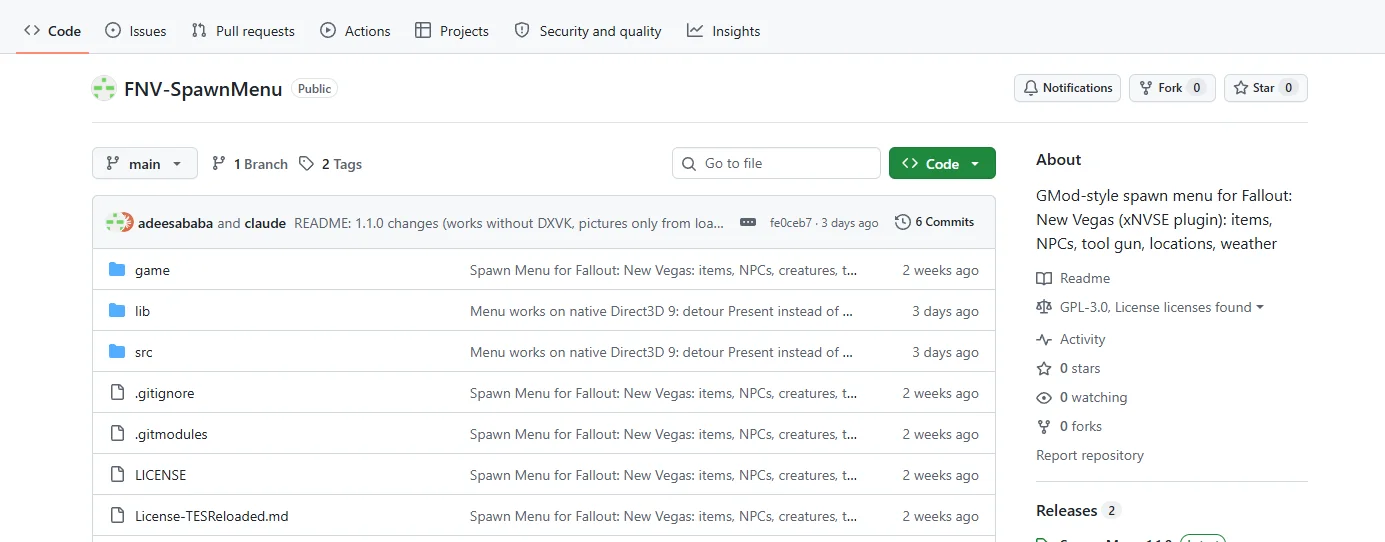
Spawn Menu for Fallout: New Vegas
A GMod-style spawn menu as an xNVSE plugin. Press L in game:
- Every item, NPC and creature your load order holds (mods included), as pictures or a GECK-style list, with search and a plugin filter.
- Click an item to add it to your inventory, with an option to equip weapons and armor straight away.
- Click an NPC or creature to spawn it in front of you.
- Tool gun: right-click an NPC or creature, then "Spawn with tool gun". Every left click places one where you look.
- Locations: every interior and exterior cell, GECK-style. Click one to go there (
coc/cow). - Weather: every weather. Click one to force it, or blend into it. The tab also has:
- Time of day and time scale controls.
- Live edits to the current weather's fog, wind, sun glare and clouds.
- Options: change the menu key, switch between pictures and a list view, turn new pictures off, and choose in-game names or editor IDs.
Item pictures are drawn only from models the game already has loaded (for example the gun in your hands or items lying nearby); every other item shows its Pip-Boy icon. Pictures are saved and stay after that.
Requirements
- Fallout: New Vegas 1.4.0.525 (the current Steam / GOG version)
- xNVSE
- DirectX 9 June 2010 runtime (
d3dx9_43.dll); most New Vegas setups already have it
Works with or without DXVK.
Save size
Like anything placed with the console, every NPC and creature you spawn stays in your save for good, dead or alive. A few are fine. Hundreds (easy with the tool gun) make your save bigger and slower to load. To remove one, open the console, click it and type disable, then markfordelete. Use a separate save for big experiments.
Install
Install the release zip with a mod manager, or copy SpawnMenu.dll into Data\NVSE\Plugins.
Files it writes
| File | What |
|---|---|
Data\SpawnMenu\SpawnMenu.ini |
your options (menu key, view, names, equip on add) |
Data\SpawnMenu\Thumbs\ |
cached item pictures; safe to delete, they are redrawn |
Data\SpawnMenu\SpawnMenu.imgui.ini |
window size and position |
SpawnMenu.log (game folder) |
what it did; please attach it to bug reports |
Changes
- 1.1.0: the menu opens without DXVK (Windows' own Direct3D 9 undid the frame hook after one frame); no more freeze or crash when the item tabs open (pictures no longer load models from disk); Options > View > "Draw new pictures"; the log names each model before its picture is drawn.
- 1.0.0: first release.
Building
Visual Studio 2019 or 2022 with the v142 toolset (C++ desktop workload) and the Windows 10/11 SDK.
git clone --recurse-submodules https://github.com/adeesababa/FNV-SpawnMenu.git
cd FNV-SpawnMenu
msbuild SpawnMenu.vcxproj -t:restore -p:RestorePackagesConfig=true -p:Configuration=Release -p:Platform=Win32
msbuild SpawnMenu.vcxproj -p:Configuration=Release -p:Platform=Win32
The DLL is written to build\SpawnMenu.dll. The D3DX headers and library come from the Microsoft.DXSDK.D3DX NuGet package (packages.config). ImGui is a git submodule (lib/imgui, docking branch). Microsoft Detours 4.0.1 (the five files the plugin needs) is in lib/Detours.
Layout
| Path | What |
|---|---|
src/Overlay.cpp |
the plugin: xNVSE entry, Present/Reset hooks (Detours), ImGui, menu key, input blocking |
src/SpawnCatalog.cpp |
the lists: items, NPCs and creatures, cells, weathers (weather editor IDs read from the plugin files) |
src/SpawnMenuUI.cpp |
the window, tabs, search, grid and list views, options |
src/SpawnPlaces.cpp |
the Locations and Weather tabs |
src/SpawnThumbs.cpp, src/SpawnRender.cpp |
item pictures: disk cache, Pip-Boy icon fallback, model render |
src/ToolGun.cpp |
the tool gun (view ray pick and placement) |
game/ |
engine headers (game class layouts, xNVSE plugin interface) from New Vegas Reloaded |
Credits
- Game headers: the
game/headers come from TESReloaded10 / New Vegas Reloaded (Alenet, llde and contributors). - Engine addresses: WallSoGB's symbol map of the game.
- Plugin API: xNVSE.
- UI library: Dear ImGui (MIT).
- Function hooks: Microsoft Detours (MIT, lib/Detours/LICENSE.md).
License
GPL v3 or later (LICENSE).
The game/ headers come from New Vegas Reloaded, so the plugin follows that project's additional terms, set out in License-TESReloaded.md:
- The binaries must not be sold.
- Unofficial builds need their own name, and this plugin has one: Spawn Menu.
- This is not an official New Vegas Reloaded release, so its official channels are not the place for support.
Install
Install it with the Modhold app or your mod manager. xNVSE plugins need xNVSE (New Vegas Script Extender) installed first.