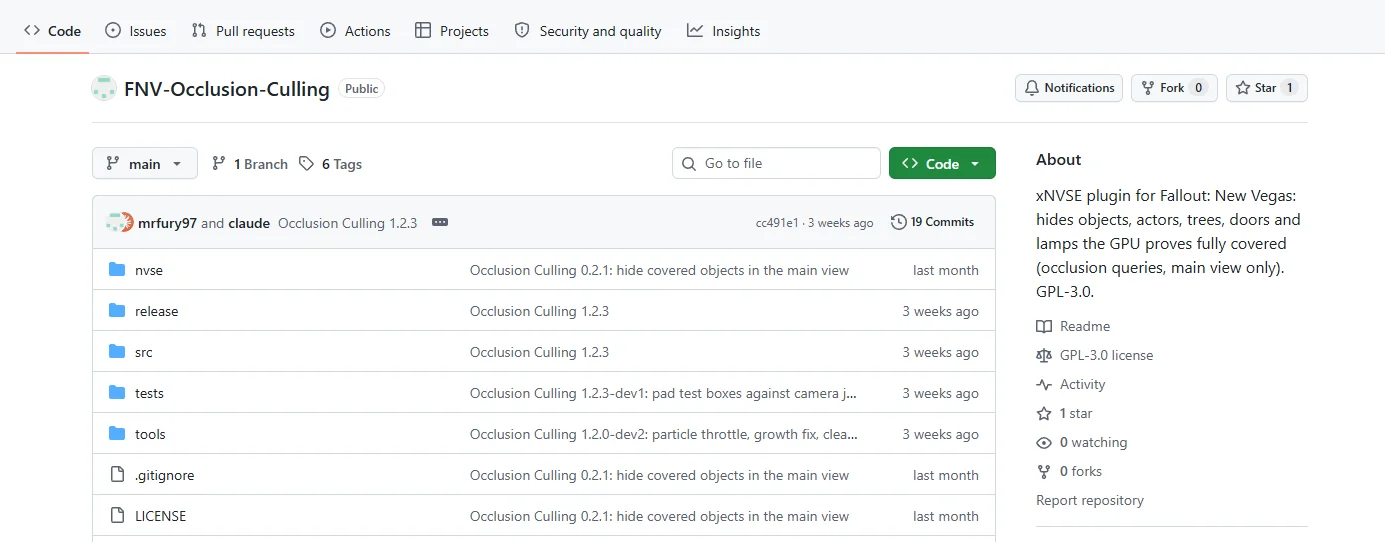
FNV Occlusion Culling
An xNVSE plugin for Fallout: New Vegas (1.4.0.525) that stops the game from drawing objects, NPCs and creatures, doors and activators, SpeedTree trees and lamps the graphics card has proven are completely hidden behind other things. It works on its own and alongside New Vegas Reloaded. It doesn't change any game logic: AI, scripts, physics and collision behave exactly as before.
Results
Measured in game with the hotkey switching hiding on and off in the same spot (early versions, NVR P83 playtest, native D3D9, MSAA 4x):
| Area | Hiding off | Hiding on | Change |
|---|---|---|---|
| Freeside (Bus North, Old Mormon Fort) | 30 fps | 46 fps | +57% |
| Vault 21 corridors | 48 fps | 82 fps | +71% |
| Vault 22 Common Areas | 45 fps | 54 fps | +20% |
| House Resort (interior) | 92 fps | 106 fps | +15% |
| Open ground (Strip avenues, Camp Golf) | about even |
The gain is largest where the CPU is busy sending draw calls for things you can't see: dense towns behind walls, and lamp-lit interiors where every object is drawn several times. It barely changes open ground, where little is hidden and most of the cost is terrain, shadows and screen effects.
How it works
- Finding the objects. While the game gathers the main view (
TESMain::DrawScene0x873200, itsBSShaderUtil::AccumulateScenecall at 0x87415B), each placed object's rootBSFadeNodeis checked inOnVisible(vtable slot 53). Large objects become candidates. - Also tested: NPCs and creatures, doors, activators and terminals (their box follows them every frame), SpeedTree trees and shrubs (their own
BSTreeNodehook) and lamps (each lamp's reach; a hidden lamp is switched off for the main view). - Never touched: the player, light fixtures as objects, projectiles, placeable water and anything near the camera. Small objects and distant LOD are optional (see the INI).
- Asking the GPU. Right after the opaque pass (the
RenderScenePreResolveDepthcall at 0x874180), the depth buffer holds the finished scene. Each candidate's box (the union of its shapes' bounds) is drawn there inside a D3D9 occlusion query, with colour and depth writes off.- Projection: the boxes are projected on the CPU with the renderer's own camera-relative view and projection, and drawn as pre-transformed vertices. Boxes reaching behind the camera aren't tested.
- Depth direction: detected automatically (NVR uses reversed depth).
- Answers: read a frame later without waiting.
- Hiding. An object is left out of the main view only when its last two answers drew zero pixels, the newest is at most 4 frames old, and the camera hasn't turned or moved too far since. Shadows, reflections and every other pass still draw it.
- Scheduling. Covered objects are retested every frame so they reappear promptly. Visible objects are retested every few frames. The per-frame budget goes to whoever has waited longest (
src/Scheduler.h). - Safety.
- Only a few device states are changed: colour writes, depth write/test, culling, scissor/stencil when on, shaders, vertex format and stream 0. Each is read first and set back to exactly that value.
- No state blocks are used. Re-sending states (a full snapshot, or toggling alpha testing) disturbs NVIDIA's alpha-to-coverage driver hack, which the game uses with
bTransparencyMultisamplingand MSAA. That left a dithered speckle on most surfaces until restart. Alpha testing is never touched: if it's on at that point, nothing is tested that frame. - Hooks chain to anything already there.
- Any exception switches the plugin off for the session.
- A device reset drops all queries.
Install
Requires Fallout: New Vegas 1.4.0.525 and xNVSE.
- Take the zip from Releases and install it with your mod manager, or put
nvse\plugins\OcclusionCulling.dllandOcclusionCulling.iniinData\NVSE\Plugins\. - Play. Insert switches hiding on and off, with a message in the corner.
logs\OcclusionCulling.login the game folder holds the start-up lines, the settings and any error.
Release and developer builds
- Release build (
tools\build_release.bat, compiled withOC_RELEASE, what the releases ship): no measuring log, timers, debug boxes or compare key. Its INI (release\OcclusionCulling.ini, made bytools\make_release_ini.py) ships the values measured in play:fMinRadius40,iMaxQueriesPerFrame1000,bDistantLOD1,bLampCulling1,fRevealDepth150. - Developer build (
OcclusionCulling.vcxprojRelease | Win32 as it is, v142): everything, including the[Debug]settings. EveryiLogIntervalframes the log records what was tested and hidden, the plugin's own cost per part of the query pass, and the frame time with hiding on vs off.
Settings (OcclusionCulling.ini)
Defaults below are the developer INI's; the release INI's differences are listed above.
| Key | Default | Meaning |
|---|---|---|
bCulling |
1 | Hiding on at start |
iToggleKey |
210 (Insert) | Switches hiding on and off in game; a corner message shows the state |
fMinRadius |
150 | Smaller objects are never tested (75 also covers more clutter) |
fNearDistance |
400 | Objects closer than this are never tested |
bDistantLOD |
0 | Also test distant LOD objects |
bImposters |
1 | Imposters are tested too: references the game shows at any distance and never fades out (mostly big buildings, cliffs and landmarks in loaded cells). 18-82 reach the view per frame outdoors, 30-80% of them hidden |
iMaxQueriesPerFrame |
500 | Test budget per frame (1000 helps very dense areas) |
iMaxAnswerAge |
4 | Oldest answer, in frames, that may hide an object |
iVisibleRetestFrames |
4 | How often visible objects are retested |
fGuardDegreesPerFrame / fGuardUnitsPerFrame |
2.5 / 32 | Camera turn/move per frame of answer age beyond which answers aren't used |
fRevealDepth |
150 | Against pop-in when stepping out from behind a wall: while the camera moves, hidden things' test boxes grow on screen by how far the move slides an edge this many units away, so they show up a frame early (an early reveal is retested the next frame). Lower grows more; 0 = off |
fScreenPadPixels |
1.5 | Against flicker at the edge of visibility (distant LOD on a ridge line under TAA/DLSS): every test box reaches at least this many pixels past its object on screen, so the camera jitter of up to half a pixel per frame cannot hide something still showing a pixel or two. 0 = off |
bActorCulling / fActorMargin |
1 / 24 | NPCs and creatures (not the player) are hidden when proven covered, only while still inside the box that was tested (bound + 10% + margin). Animation, AI and shadows carry on as when they are outside the view |
bAnimThrottle / iAnimInterval / fAnimNearDistance |
1 / 2 / 512 | Actors the main view does not draw (behind cover, or outside the view for two frames) and at least this far away update their bone positions every 2nd frame. Their animations, AI and movement still run every frame; their shadows, and the first frame one turns into view, can lag by a frame. About 0.35-0.6 ms of CPU in Freeside crowds |
bActivatorCulling / fActivatorMargin |
1 / 16 | Doors, activators, talking activators and terminals are hidden when proven covered; like actors, their box follows them every frame (bound + 5% + margin) and they stay hidden only while inside the box that was tested |
bTreeCulling / fTreeMargin |
1 / 32 | SpeedTree trees and shrubs (their own node type, which the object hook never saw) are hidden when proven covered; their box is the bound plus 20% + margin, since leaf cards are spread out on the graphics card |
bLandCulling / fLandMargin |
1 / 32 | Land is tested in its four 2048 x 2048 squares per cell (the game's own BSMultiBoundNode quadrants) and hidden when proven covered, e.g. ground behind buildings and hills; the box is the square's height range plus the margin. Chains through lStewieAl's Tweaks, which replaces that function. Up to 45% of the ~100 loaded squares hidden on the Strip |
bTerrainLOD |
1 | Distant terrain LOD chunks (the low-detail land beyond the loaded cells, under the scene's LandLOD node) are tested and hidden like land; 20-50% of them hidden in play |
bParticleThrottle / iParticleInterval / fParticleNearDistance |
1 / 3 / 512 | Particle systems (fire, smoke, sparks) on objects the main view does not draw (behind cover, or outside the view) and at least this far away are stepped every 3rd frame; the skipped time is caught up at the next step. Particles in view or nearby update every frame |
bGrassCulling / fGrassMargin |
1 / 32 | Grass groups (TallGrassTriStrips under the scene's Grass node) are tested and hidden like land, with the margin on every side for swaying blades; up to ~60% of the groups in view hidden |
bLampCulling |
0 | 1 = a lamp whose whole reach is proven covered is switched off for the main view (saves its lighting passes); never within fNearDistance |
bOrientedBoxes |
1 | Tighter boxes: each shape's own vertices give its extent, and the box follows the object's rotation. Shapes whose vertices the game has freed keep their bound spheres; animated objects keep the old box |
iCompareKey |
207 (End) | Developer builds only: switches one feature at a time against your settings (as set, land switched, grass switched, actor bone throttle switched); the log starts a new block at each press |
iLogInterval |
600 | Developer builds only: frames of world view per block of numbers in the log |
bDebugBoxes |
0 | Developer builds only: draws the tested boxes (green visible, red hidden) |
Tests
tests\build_test.bat runs the maths checks (including oriented boxes). tests\build_sched.bat runs the scheduler simulation (fort, open street, camera turning, over budget).
Credits
- The approach was inspired by Faster Objects (Skyrim, GPL-3), whose Hi-Z culling showed what main-view-only culling can do. No code was taken from it.
- The camera guard and the object identity check follow ideas from New Vegas Reloaded's
HiddenObjectCulling(NVR Unofficial Optimized, GPL-3). nvse/holds a minimal subset of the xNVSE plugin API headers.
Licence
GPL-3.0; see LICENSE.
Install
Install it with the Modhold app or your mod manager. xNVSE plugins need xNVSE (New Vegas Script Extender) installed first.