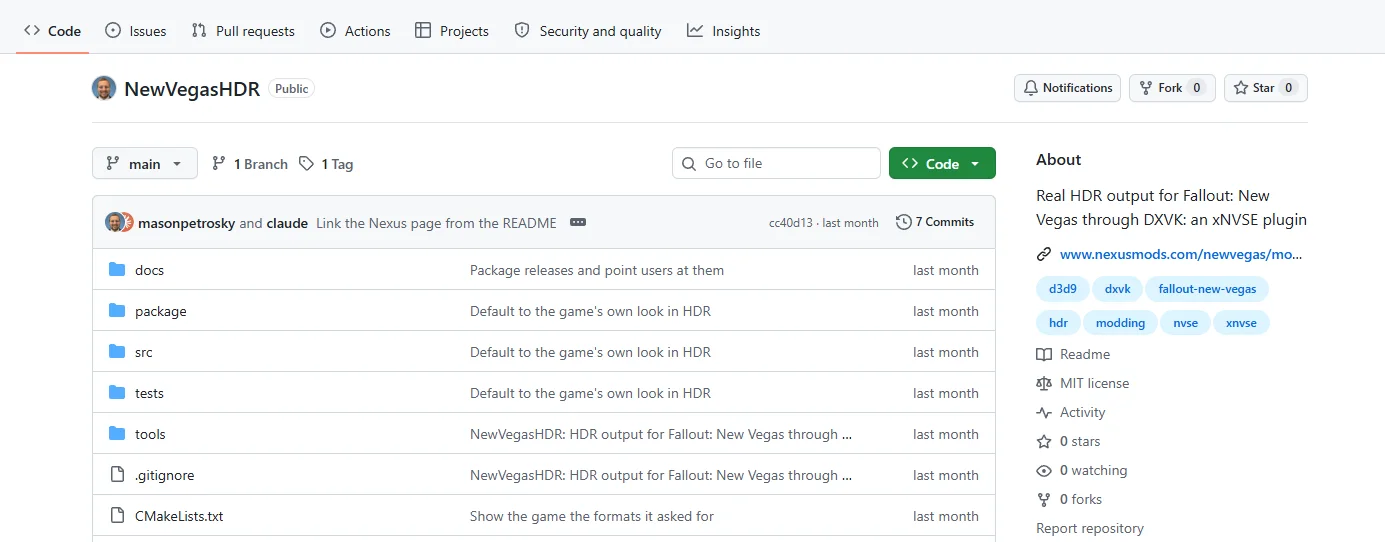
NewVegasHDR
An xNVSE plugin that gives Fallout: New Vegas real HDR output through DXVK. It keeps the game's own look: everything the game drew below white looks as it did in SDR, and what the game's 8-bit pipeline clipped at white (sun, sky, fire, lamps, highlights) comes out brighter than white, up to your display's peak. The HUD sits at a paper white you choose. Vanilla Plus Tonemapper's softer curve is a setting.
Developed and tested on one machine: an RTX 5070 Ti, a 4K HDR OLED, Windows 11, the Viva New Vegas modlist, xNVSE
6.4.8 and DXVK 3.0.1. Other setups are untested so far. If something looks wrong or breaks, please
open an issue or post on the
Nexus page, and attach NewVegasHDR.log from the game folder.
How it works
The game already renders its scene in 16-bit float. Its HDR blend pass then exposes the scene, adds bloom and grades it, and writes the result to an 8-bit target that clips everything above 1. The plugin:
- Creates the game's swap chain with a 16-bit float back buffer and switches it to scRGB through DXVK's D3D9 extension interfaces.
- Swaps the game's (or Vanilla Plus Tonemapper's) HDR blend shaders for its own. They do the game's math (or Vanilla Plus's, if you pick it), but keep what lies above white and roll it off smoothly towards the display's peak.
- Creates the full-screen 8-bit render targets after the blend as 16-bit float, so highlights survive to the end of the frame.
- Decodes the finished frame, HUD included, from the game's gamma space to scRGB just before it is presented.
- Shows the game the 8-bit formats it asked for wherever it can read a format, and converts locks and copies to system memory to match, because the engine cannot handle a 16-bit float back buffer.
docs/plan.md has the details: the game's tonemapper, the pipeline, and how it is tested.
Requirements
- Fallout: New Vegas with xNVSE.
- DXVK as the game's
d3d9.dll; Viva New Vegas sets this up. DXVK 3.0.1 works on NVIDIA. DXVK releases up to 3.1.1 rely on the driver accepting the HDR colour space without the Vulkan extension that announces it; NVIDIA's does. - Windows HDR on for the display. Without it, or without DXVK, the plugin leaves the image exactly as it was.
Install
Download NewVegasHDR-.zip from Nexus Mods or
Releases and install it with your mod manager, or copy its
NVSE folder into the game's Data folder. To undo, disable or remove the mod. The plugin writes NewVegasHDR.log in
the game folder.
install.ps1 -Mo2 installs your own build into Mod Organizer 2 (close Mod Organizer and the game first).
Settings
NewVegasHDR.ini (defaults in package/NewVegasHDR.ini). It is re-read while the game runs:
PeakNits: the display's peak; 0 uses what Windows reports.PaperWhiteNits: how bright white is (HUD, menus, what was white in SDR), 203 by default.ToneMapper: the look in HDR.Vanilla(the default) is the game's own, which has no curve: with nothing cut off at white any more, whatever the game's lighting makes brighter than white shows brighter.VanillaPluskeeps Vanilla Plus Tonemapper's curve, which squeezes highlights to stay under white as SDR needs (softer, more muted highlights).Autofollows the shaders the game loaded. SDR output keeps the loaded shaders' look either way.HighlightRange: how much of the display's range Vanilla Plus Tonemapper's curve may use in HDR. 1 (the default) lets skies, sunlit ground and lights get brighter; 0 keeps its SDR curve, so only what clipped at white gets brighter.ShoulderStart: where highlights start rolling off, as a fraction of the peak.Gamma: how the game's image is decoded, 2.2 by default.SdrExact=1: reproduces the SDR image exactly, for comparisons.
Building and testing
Visual Studio 2022 or newer with the C++ x86 tools, CMake and Ninja (both come with Visual Studio), and the Windows
SDK (for fxc).
.\build.ps1     # build\NewVegasHDR.dll, build\harness.exe, build\dxvk_hdr_probe.exe
.\test.ps1      # builds, then checks the plugin against the game's own shaders on DXVK without starting the game
.\package.ps1   # builds, then makes dist\NewVegasHDR-.zip as released
test.ps1 reads DXVK and the vanilla shaders from the game folder. It needs Vanilla Plus Tonemapper's
ISHDRBLENDINSHADER*.pso/.vso copied into extracted\vpt.
License
MIT (see LICENSE). The DXVK interface declarations in src/dxvk_ext.h follow DXVK's public
d3d9_interfaces.h (zlib licence).
Install
Install it with the Modhold app or your mod manager. xNVSE plugins need xNVSE (New Vegas Script Extender) installed first.
Licence
This mod is shared here under its authors' MIT licence. Its full text:
MIT License

Copyright (c) 2026 Mason Petrosky

Permission is hereby granted, free of charge, to any person obtaining a copy
of this software and associated documentation files (the "Software"), to deal
in the Software without restriction, including without limitation the rights
to use, copy, modify, merge, publish, distribute, sublicense, and/or sell
copies of the Software, and to permit persons to whom the Software is
furnished to do so, subject to the following conditions:

The above copyright notice and this permission notice shall be included in all
copies or substantial portions of the Software.

THE SOFTWARE IS PROVIDED "AS IS", WITHOUT WARRANTY OF ANY KIND, EXPRESS OR
IMPLIED, INCLUDING BUT NOT LIMITED TO THE WARRANTIES OF MERCHANTABILITY,
FITNESS FOR A PARTICULAR PURPOSE AND NONINFRINGEMENT. IN NO EVENT SHALL THE
AUTHORS OR COPYRIGHT HOLDERS BE LIABLE FOR ANY CLAIM, DAMAGES OR OTHER
LIABILITY, WHETHER IN AN ACTION OF CONTRACT, TORT OR OTHERWISE, ARISING FROM,
OUT OF OR IN CONNECTION WITH THE SOFTWARE OR THE USE OR OTHER DEALINGS IN THE
SOFTWARE.