




















































Modhold
Minecraft
Freev21.1.1

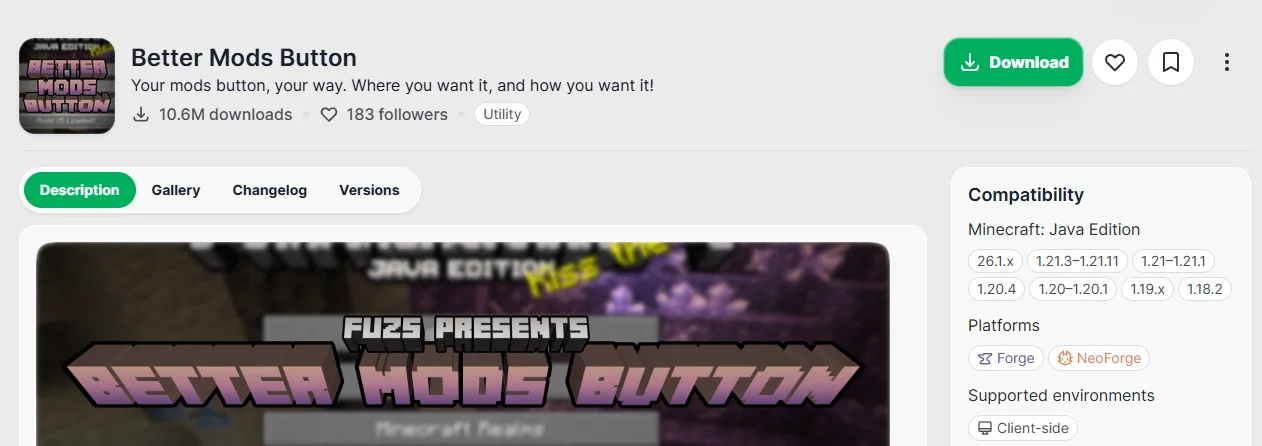
Better Mods Button

Your mods button, your way. Where you want it, and how you want it!

Fuzs4 @FuzsCredited author
0Unique downloads
10.6MDownloads, all sites
4Views
0Vouches
–no scores yetScore
Shared under its open licence (MPL-2.0)
Made by Fuzs. Its licence lets anyone share it, with credit. See the proof · Original page · Are you Fuzs?
About this modWritten by Modhold staff

Better Mods Button restores a mods button on the pause screen, the way old Forge versions had it, to open mod settings quickly. You can choose where it sits, and it can show your mod count.

Kind
Interface mod
Version
21.1.1
Needs
Nothing else
Installs with
The Modhold app

What it does

  • Adds a mods button to the title and pause screens
  • Offers several button positions
  • Can show the total number of mods
  • Can toggle the update notification glyph

How to install

  1. Press Install on this page, or in the Modhold app.
  2. On Fabric, use Mod Menu instead, as the author suggests.
The author’s description by Fuzs, shared word for wordRead it


📖 About: Better Mods Button adds the mods button back to the pause screen as in Forge versions prior to Minecraft 1.13, so it can be used to easily access in-game mod configuration (when available). As a bonus, there are plenty of options for where and how exactly you want your mods button to be shown on screen (heavily inspired by Mod Menu). Showing a total mod count, as well as toggling the update notification glyph are both supported.

📷 Media:


Default mods button on title screen    One of the alternative mods button placements


Default mods button on pause menu    An alternative placement for the pause screen


Another alternative pause screen button placement     


💡 FAQ: Q: How do I configure this mod?A: Install my Config Menus for Forge mod and do it directly in-game! Q: What about a Fabric port?A: Use Mod Menu by ProspectorDev instead.

🏆 Credits: Developing Better Mods Button was helped and inspired by:

ProspectorDev for inspiring most of the configuration options for this mod from their Mod Menu mod


Install

Put the .jar file in your Minecraft mods folder (with NeoForge or Forge installed for that Minecraft version), then start the game.
Requirements

  • Minecraft: Java Edition with NeoForge or Forge

New to Minecraft mods? Read how to install Minecraft mods.

Credits

LunaPixelStudios (Studio), SHXRKIE (Developer), Fuzs (Owner). Original page: https://modrinth.com/mod/better-mods-button

Permissions

Open licence: MPL-2.0. Source code: https://github.com/Fuzss/bettermodsbutton. Original page: https://modrinth.com/mod/better-mods-button. Shared on Modhold under that licence and credited to its authors; the files are unchanged.

Permission proof

Why this mod is on Modhold

The mod's original page, where it says what the mod is:

The top of the mod's original page: its name, author and details

This mod is released under an open licence, MPL-2.0, which lets anyone share it as long as its authors are credited and the licence comes with it. Its source code: github.com/Fuzss/bettermodsbutton · The licence

Captured 20 Nov 2026 from the original page. The author can claim this page, or have it taken down, at any time.