




















































Modhold
Minecraft
Freev5.4.3+26.3-fabric

Shulker Box Tooltip

View the contents of shulker boxes from your inventory

MisterPeModder3 @MisterPeModderCredited author
0Unique downloads
42.1MDownloads, all sites
2Views
0Vouches
–no scores yetScore
Shared under its open licence (MIT)
Made by MisterPeModder. Its licence lets anyone share it, with credit. See the proof · Original page · Are you MisterPeModder?
About this modWritten by Modhold staff

Shulker Box Tooltip shows what is inside a shulker box when you hover over it in your inventory. Hold shift for a compact preview, or alt+shift to see each stack in its exact slot.

Kind
Inventory mod
Version
5.4.3+26.3-fabric
Installs with
The Modhold app

What it does

  • Compact preview on shift while hovering
  • Full preview on alt+shift, with each stack in its slot
  • Also previews chests, furnaces and barrels from creative pick block
  • Preview colour follows the shulker box colour

How to install

  1. Press Install on this page, or in the Modhold app.
  2. Install Fabric Loader and Fabric API.
  3. Mod Menu is optional for the settings page, found in config/shulkerboxtooltip.json5.
The author’s description by MisterPeModder, shared word for wordRead it

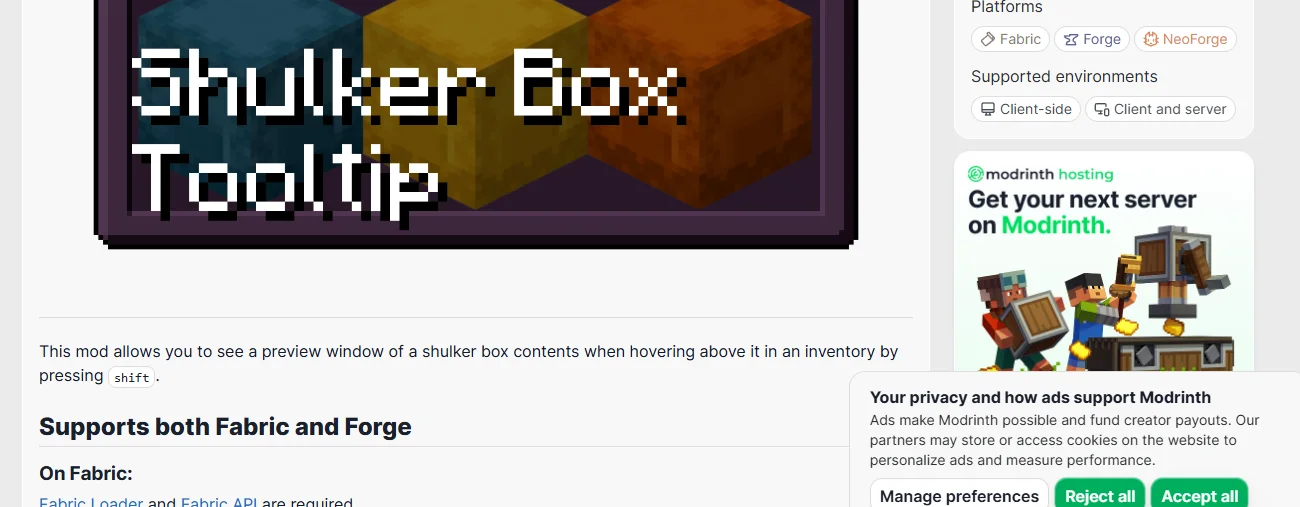
This mod allows you to see a preview window of a shulker box contents when hovering above it in an inventory by pressing shift.

Supports both Fabric and Forge

On Fabric:

Fabric Loader and Fabric API are required

Mod Menu is recommended (but not required) for in-game configuration

Features:

Compact Preview

Press shift (by default) while hovering an item.

Full Preview

Press alt+shift (by default) while hovering an item to shows its full contents where each contained stack is displayed in the correct slot.

Other Containers

The preview also works with items obtained in creative mode using control + pick block such as chests, furnaces, barrels, etc...
Works with most modded containers as well.

Loot Tables

The name of the loot table is displayed in the tooltip if the hovered item as one.
This option is disabled by default.

Configurability

Most aspects of the mod can be configured through the config menu. To access it, in the mod menu select ShulkerBoxTooltip and then click on the gear icon.
See the in game documentation or the wiki for info about each option. The config file can be found at /config/shulkerboxtooltip.json5

Colors!

The color of the preview window changes depending on the color of the shulker box, you can disable it in config.

Server support

The mod can also be installed server-side (optional) to provide extra features such as ender chest preview.

Install

Put the .jar file in your Minecraft mods folder (with Fabric Loader or NeoForge installed for that Minecraft version), then start the game.
Requirements

New to Minecraft mods? Read how to install Minecraft mods.

Credits

MisterPeModder (Owner). Original page: https://modrinth.com/mod/shulkerboxtooltip

Permissions

Open licence: MIT. Source code: https://github.com/MisterPeModder/ShulkerBoxTooltip. Original page: https://modrinth.com/mod/shulkerboxtooltip. Shared on Modhold under that licence and credited to its authors; the files are unchanged.

Permission proof

Why this mod is on Modhold

The mod's original page, where it says what the mod is:

The top of the mod's original page: its name, author and details

This mod is released under an open licence, MIT, which lets anyone share it as long as its authors are credited and the licence comes with it. Its source code: github.com/MisterPeModder/ShulkerBoxTooltip · The licence

Captured 20 Nov 2026 from the original page. The author can claim this page, or have it taken down, at any time.

Before you download

This mod needs other mods

Shulker Box Tooltip needs this to work. Download and install it too.

Required 1