




















































Modhold
Minecraft
Freev26.3.0

Visual Workbench

Items stay inside of crafting tables and are also rendered on top. It's really fancy!

Fuzs4 @FuzsCredited author
0Unique downloads
27.5MDownloads, all sites
5Views
0Vouches
–no scores yetScore
Shared under its open licence (MPL-2.0)
Made by Fuzs. Its licence lets anyone share it, with credit. See the proof · Original page · Are you Fuzs?
About this modWritten by Modhold staff

Visual Workbench keeps your crafting ingredients inside the table's grid when you close it. The ingredients and the result are also drawn on top of the block, and breaking the table drops everything.

Kind
Crafting mod
Version
26.3.0
Installs with
The Modhold app

What it does

  • Items stay in the grid after you close the screen
  • Contents and result are rendered above the table
  • Everything spills out if the block is broken
  • Needed on both client and server

How to install

  1. Press Install on this page, or in the Modhold app.
  2. Three helper mods go in the same folder: Puzzles Lib, Forge Config API Port and Fabric API, as listed under requirements.
  3. Config files appear in .minecraft/config.
The author’s description by Fuzs, shared word for wordRead it


Visual Workbench makes crafting tables feel more alive by keeping items inside the grid while you work. 🧰 No more disappearing ingredients. Everything stays visible and organized as you craft. If you break the block, all contents drop on the ground just as you would expect. 📦 Crafting ingredients and the resulting item are also rendered directly on top, giving the table a clean and satisfying visual touch. Simple, intuitive, and a nice visual upgrade to a familiar block. ✨

⏩ INSTALLATION REQUIRED ON CLIENT & REQUIRED ON SERVER ⏩ REQUIRES PUZZLES LIB TO BE INSTALLED (FABRIC & NEOFORGE) ⏩ REQUIRES FABRIC API TO BE INSTALLED (FABRIC) ⏩ REQUIRES FORGE CONFIG API PORT TO BE INSTALLED (FABRIC)

If available for a mod, configuration is possible directly from in-game using the mod menu (requires Mod Menu by Prospector to be installed on Fabric). For manual configuration using an external text editor all files are found at .minecraft/config, named as MOD_ID-client.toml, MOD_ID-common.toml, or MOD_ID-server.toml, depending on the type of config. Not all types might exist for a mod, if any at all.

🌟 Thanks to Prototik for the original idea and most of the rendering code from their RealBench mod. 🌟 Thanks to Tfarecnim for the Just Enough Items plugin code from their Crafting Station mod. 🌟 Thanks to Daomephsta from the Fabric Discord for pointing me into the right direction for supporting modded crafting tables on Fabric.


© 2026 @heyitsfuzs. All rights reserved. This page was last edited on 11 September 2026, at 06:44 (UTC).

Install

Put the .jar file in your Minecraft mods folder (with Fabric Loader or NeoForge installed for that Minecraft version), then start the game.
Requirements

New to Minecraft mods? Read how to install Minecraft mods.

Credits

LunaPixelStudios (Studio), Fuzs (Owner). Original page: https://modrinth.com/mod/visual-workbench

Permissions

Open licence: MPL-2.0. Source code: https://github.com/Fuzss/visualworkbench. Original page: https://modrinth.com/mod/visual-workbench. Shared on Modhold under that licence and credited to its authors; the files are unchanged.

Permission proof

Why this mod is on Modhold

The mod's original page, where it says what the mod is:

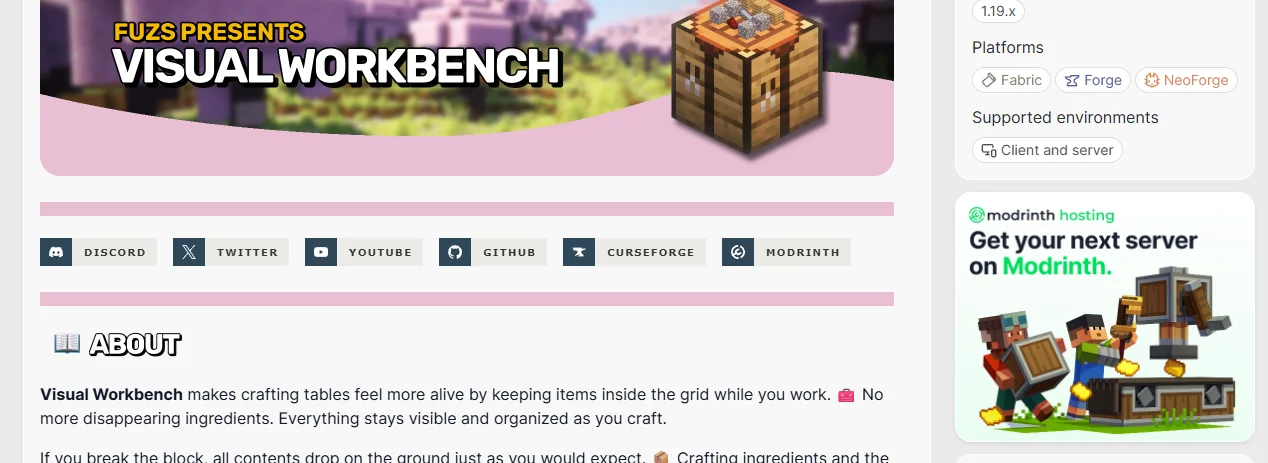
The top of the mod's original page: its name, author and details

This mod is released under an open licence, MPL-2.0, which lets anyone share it as long as its authors are credited and the licence comes with it. Its source code: github.com/Fuzss/visualworkbench · The licence

Captured 20 Nov 2026 from the original page. The author can claim this page, or have it taken down, at any time.

Before you download

This mod needs other mods

Visual Workbench needs these to work. Download and install them too.

Required 3