




















































Modhold
Minecraft
Freev2.9.0+26.3

Paginated Advancements & Custom Frames

Better advancements screen

DaFuqs3 @DaFuqsCredited author
0Unique downloads
19.1MDownloads, all sites
5Views
0Vouches
–no scores yetScore
Shared under its open licence (MIT)
Made by DaFuqs. Its licence lets anyone share it, with credit. See the proof · Original page · Are you DaFuqs?
About this modWritten by Modhold staff

Paginated Advancements replaces the cramped advancement screen with a bigger one that splits tabs into pages. You can pin tabs, and it remembers the last tab you opened, which helps in big modpacks.

Kind
Interface mod
Version
2.9.0+26.3
Installs with
The Modhold app

What it does

  • Larger advancement window
  • Page buttons when a pack has many tabs
  • Pin tabs you are working on
  • Spacing and background fade options

How to install

  1. Press Install on this page, or in the Modhold app.
  2. Install Cloth Config API as well.
  3. Datapacks and mods can add new frames and colours, per the wiki.
The author’s description by DaFuqs, shared word for wordRead it

Make your advancement screen not suck!

Features

Paginated Advancements completely overhauls the advancement screen by adding a load of features:

  • Makes the screen bigger, instead of vanillas fixed, tiny size
  • Pagination (no "this modpack has too many tabs to display them all" anymore!)
  • Pin the advancement tabs you are currently focusing on
  • Remembering the last opened tab

Also adds some styling options, to make the screen exactly how you prefer it:

  • Disable background fading
  • Configurable Spacing between tabs. Allowing them to be condensed quite a bit, or giving them more room to breathe

Additional Advancement Frames & Colors

With version 2.0 comes the ability to register new advancement frames, including custom colors, via data pack / mods that support it. Find out how in the Wiki

Install

Put the .jar file in your Minecraft mods folder (with Fabric Loader or NeoForge installed for that Minecraft version), then start the game.
Requirements

New to Minecraft mods? Read how to install Minecraft mods.

Credits

DaFuqs (Owner). Original page: https://modrinth.com/mod/paginatedadvancements

Permissions

Open licence: MIT. Source code: https://github.com/DaFuqs/PaginatedAdvancements. Original page: https://modrinth.com/mod/paginatedadvancements. Shared on Modhold under that licence and credited to its authors; the files are unchanged.

Permission proof

Why this mod is on Modhold

The mod's original page, where it says what the mod is:

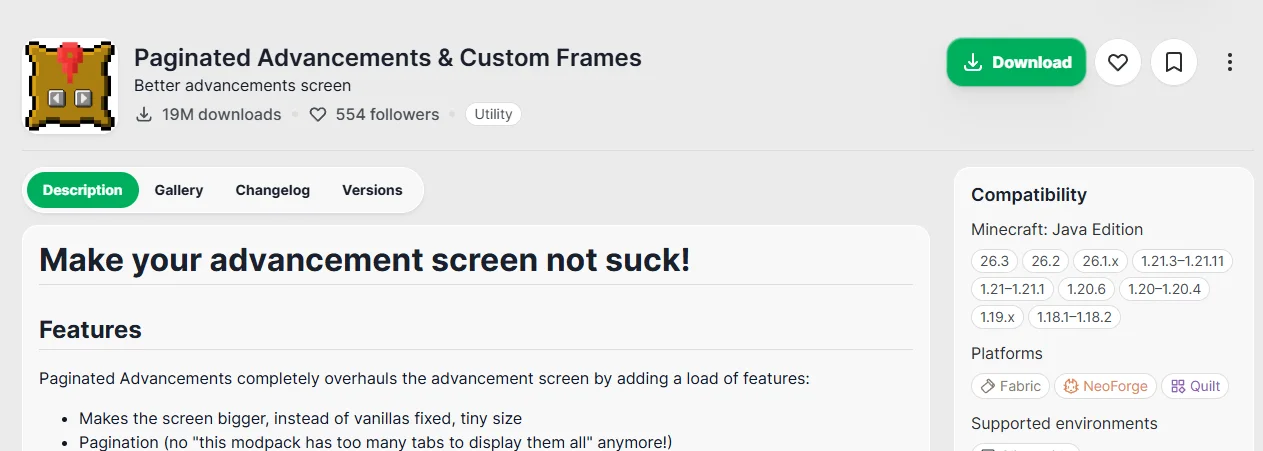
The top of the mod's original page: its name, author and details

This mod is released under an open licence, MIT, which lets anyone share it as long as its authors are credited and the licence comes with it. Its source code: github.com/DaFuqs/PaginatedAdvancements · The licence

Captured 20 Nov 2026 from the original page. The author can claim this page, or have it taken down, at any time.

Before you download

This mod needs other mods

Paginated Advancements & Custom Frames needs these to work. Download and install them too.

Required 2