




















































Modhold
Minecraft
Freev1.12.2

Ping Wheel

Allows players to temporarily mark locations and entities

Luken3 @LukenCredited author
Sign in to download One-click install with the free Modhold app. Get the app
Share
X Facebook Reddit

Sign in to get 25 XP when someone opens your link.

0Unique downloads
14.9MDownloads, all sites
4Views
0Vouches
–no scores yetScore
Shared under its open licence (MIT)
Made by Luken. Its licence lets anyone share it, with credit. See the proof · Original page · Are you Luken?
About this modWritten by Modhold staff

Ping Wheel brings the marker ping from co-op shooters into Minecraft. Aim at a spot or a creature, press the key, and your teammates see a short-lived marker there. It is handy for anyone who plays on a server with friends.

Kind
Multiplayer utility
Version
1.12.2
Installs with
The Modhold app

What it does

  • Ping spots or entities with the Forward mouse button by default
  • Hold Tab to see which player placed each ping
  • Markers can show the item's own icon when enabled
  • Settings through the /pingwheel config command or Mod Menu

How to install

  1. Press Install on this page, or in the Modhold app.
  2. Start the game with Fabric Loader.
  3. Fabric API is required, while Mod Menu only adds a settings screen.

A separate plugin exists for Bukkit servers.

The author’s description by Luken, shared word for wordRead it

About

Modern co-op games often allow players to communicate via "pings" to mark in-game locations.
This simple mod provides such pinging mechanism for the fabric and forge mod loaders.

Default keybind is "Mouse5" aka "Forward" to ping. Hold "Tab" (Player List) to see player names on pings.
The settings can be changed via /pingwheel config or Mod Menu.
Read the Wiki for additional information.

If you are looking to use the mod on Bukkit servers, you can install our official Plugin.

Gallery

The following screenshot shows two pings in different distances with according scale.

When Item Icons are enabled in the settings, the respective markers reflect the item texture (or model).

Dependencies

Install

Put the .jar file in your Minecraft mods folder (with Fabric Loader installed for that Minecraft version), then start the game.
Requirements

New to Minecraft mods? Read how to install Minecraft mods.

Credits

Luken (Owner), RXJpaw (Mascot). Original page: https://modrinth.com/mod/ping-wheel

Permissions

Open licence: MIT. Source code: https://github.com/LukenSkyne/Minecraft-Ping-Wheel. Original page: https://modrinth.com/mod/ping-wheel. Shared on Modhold under that licence and credited to its authors; the files are unchanged.

Permission proof

Why this mod is on Modhold

The mod's original page, where it says what the mod is:

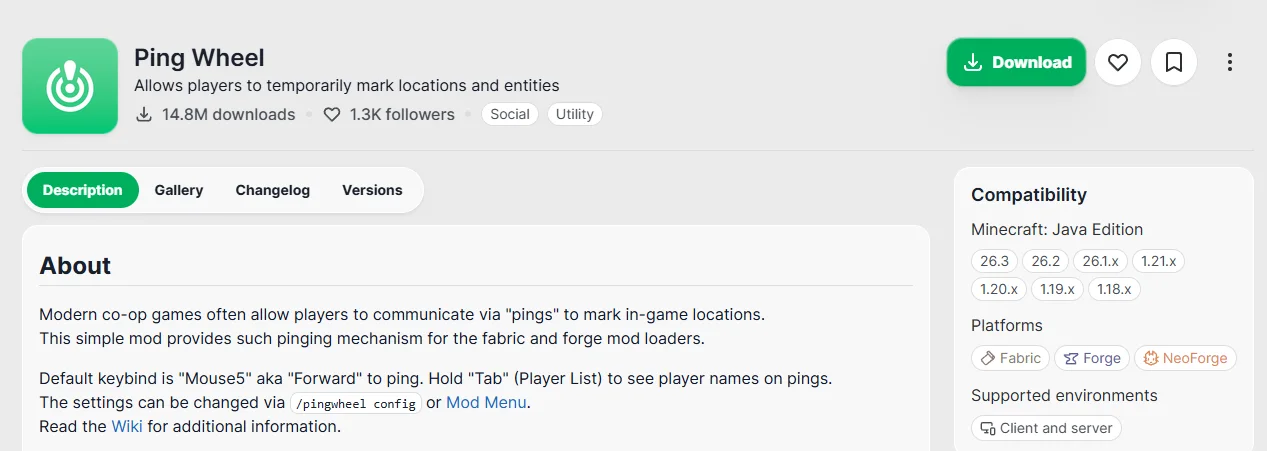
The top of the mod's original page: its name, author and details

This mod is released under an open licence, MIT, which lets anyone share it as long as its authors are credited and the licence comes with it. Its source code: github.com/LukenSkyne/Minecraft-Ping-Wheel · The licence

Captured 20 Nov 2026 from the original page. The author can claim this page, or have it taken down, at any time.

Before you download

This mod needs other mods

Ping Wheel needs this to work. Download and install it too.

Required 1