




















































Modhold
Minecraft
Freev18.0.0+26.3

Cherished Worlds

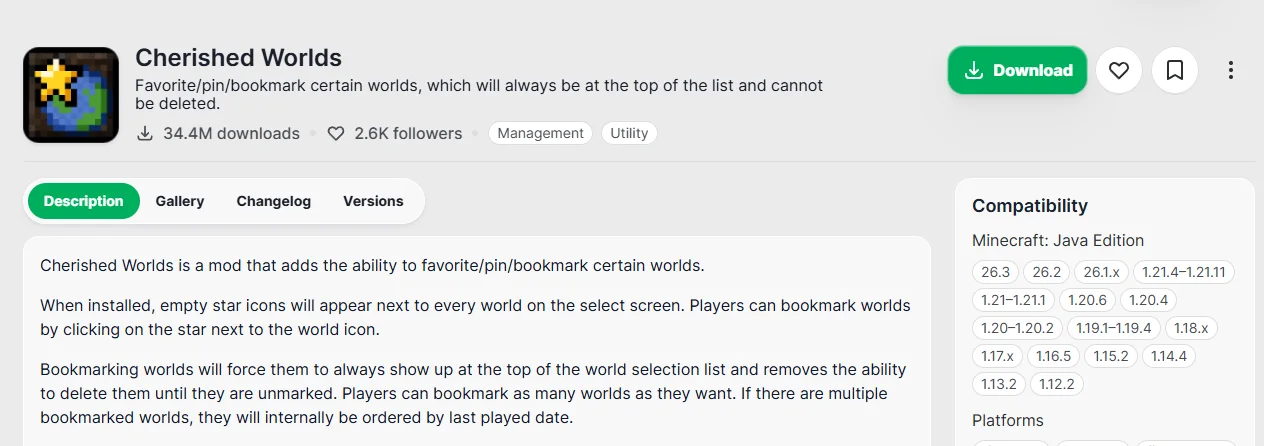
Favorite/pin/bookmark certain worlds, which will always be at the top of the list and cannot be deleted.

TheIllusiveC44 @TheIllusiveC4Credited author
0Unique downloads
34.5MDownloads, all sites
3Views
0Vouches
–no scores yetScore
Shared under its open licence (LGPL-3.0-or-later)
Made by TheIllusiveC4. Its licence lets anyone share it, with credit. See the proof · Original page · Are you TheIllusiveC4?
About this modWritten by Modhold staff

Cherished Worlds lets you star your favourite worlds. Starred worlds stay at the top of the list and cannot be deleted until you remove the star, which protects the ones you care about. It is client side.

Kind
World list mod
Version
18.0.0+26.3
Installs with
The Modhold app

What it does

  • Adds a star icon beside each world
  • Pins starred worlds to the top, sorted by last played
  • Blocks deleting a world while it is starred
  • Works for single player and multiplayer

How to install

  1. Press Install on this page, or in the Modhold app.
  2. Needs Fabric API.
  3. Bookmark as many worlds as you want.
The author’s description by TheIllusiveC4, shared word for wordRead it

Cherished Worlds is a mod that adds the ability to favorite/pin/bookmark certain worlds.

When installed, empty star icons will appear next to every world on the select screen. Players can bookmark worlds by clicking on the star next to the world icon.

Bookmarking worlds will force them to always show up at the top of the world selection list and removes the ability to delete them until they are unmarked. Players can bookmark as many worlds as they want. If there are multiple bookmarked worlds, they will internally be ordered by last played date.

This mod is client-side only.

Features

Single Player Worlds

Multiplayer Worlds

Support

Please report all bugs, issues, and feature requests to the issue tracker.

For non-technical support and questions, join the developer's Discord.

License

All source code and assets are licensed under LGPL 3.0.

Donations

Donations to the developer can be sent through Ko-fi.

Affiliates

Install

Put the .jar file in your Minecraft mods folder (with Fabric Loader or NeoForge installed for that Minecraft version), then start the game.
Requirements

New to Minecraft mods? Read how to install Minecraft mods.

Credits

TheIllusiveC4 (Owner). Original page: https://modrinth.com/mod/cherished-worlds

Permissions

Open licence: LGPL-3.0-or-later. Source code: https://github.com/illusivesoulworks/cherishedworlds/. Original page: https://modrinth.com/mod/cherished-worlds. Shared on Modhold under that licence and credited to its authors; the files are unchanged.

Permission proof

Why this mod is on Modhold

The mod's original page, where it says what the mod is:

The top of the mod's original page: its name, author and details

This mod is released under an open licence, LGPL-3.0-or-later, which lets anyone share it as long as its authors are credited and the licence comes with it. Its source code: github.com/illusivesoulworks/cherishedworlds/ · The licence

Captured 20 Nov 2026 from the original page. The author can claim this page, or have it taken down, at any time.

Before you download

This mod needs other mods

Cherished Worlds needs this to work. Download and install it too.

Required 1