




















































Modhold
Minecraft
Freev16.0.0+26.2

Comforts

Adds sleeping bags and hammocks for, respectively, portability and turning day to night, without setting new spawns. Comes in 16 different colors!

TheIllusiveC44 @TheIllusiveC4Credited author
0Unique downloads
24.6MDownloads, all sites
4Views
0Vouches
–no scores yetScore
Shared under its open licence (LGPL-3.0-or-later)
Made by TheIllusiveC4. Its licence lets anyone share it, with credit. See the proof · Original page · Are you TheIllusiveC4?
About this modWritten by Modhold staff

Comforts adds sleeping bags and hammocks in sixteen colours. Neither sets your spawn point, so your home bed stays your respawn. Bags stack for travel, and a hammock turns day into night.

Kind
Adventure mod
Version
16.0.0+26.2
Installs with
The Modhold app

What it does

  • Sleeping bags that never change your spawn
  • Hammocks that skip the day, working like an inverted bed
  • Sixteen wool colours for both
  • Dye any bag or hammock cloth into another colour

How to install

  1. Press Install on this page, or in the Modhold app.
  2. Sleeping bag recipe: three matching wool in a row.
  3. Hammock cloth is wool in the middle with sticks and string around it.
The author’s description by TheIllusiveC4, shared word for wordRead it

Comforts is a mod that adds sleeping bags and hammocks to Minecraft. These items can be used just like beds except they do not set a player's spawn point on use, safely preserving a player's spawn point at their home base. Just like beds, they also come in 16 different colors! The difference is that sleeping bags can be stacked and are more convenient to use on adventures and hammocks are like an inverse bed, turning day to night.

Features

Sleeping Bag

The recipe for the sleeping bag is simply three pieces of matching color wool in a straight line.

1.21 and above

1.20.6 and below

You can also dye any sleeping bag into any of the other colors!

Hammock

The recipe for the hammock cloth is simply a piece of colored wool in the center, sticks to the top and bottom, and the rest of the slots are strings.

1.21 and above

1.20.6 and below

You can also dye any hammock cloth into any of the other colors!

Please refer to this guide for instructions on how to build the hammock.

Configuration Options

  • Auto-Use Sleeping Bag
  • Well-Rested Mechanic
  • Sleepiness Factor
  • Hammocks at Night
  • Sleeping Bag Break Chance
  • Sleeping Bag Debuffs
  • Insulated Sleeping Bags

Affiliates

Install

Put the .jar file in your Minecraft mods folder (with Fabric Loader or NeoForge installed for that Minecraft version), then start the game.
Requirements

New to Minecraft mods? Read how to install Minecraft mods.

Credits

TheIllusiveC4 (Owner). Original page: https://modrinth.com/mod/comforts

Permissions

Open licence: LGPL-3.0-or-later. Source code: https://github.com/illusivesoulworks/comforts. Original page: https://modrinth.com/mod/comforts. Shared on Modhold under that licence and credited to its authors; the files are unchanged.

Permission proof

Why this mod is on Modhold

The mod's original page, where it says what the mod is:

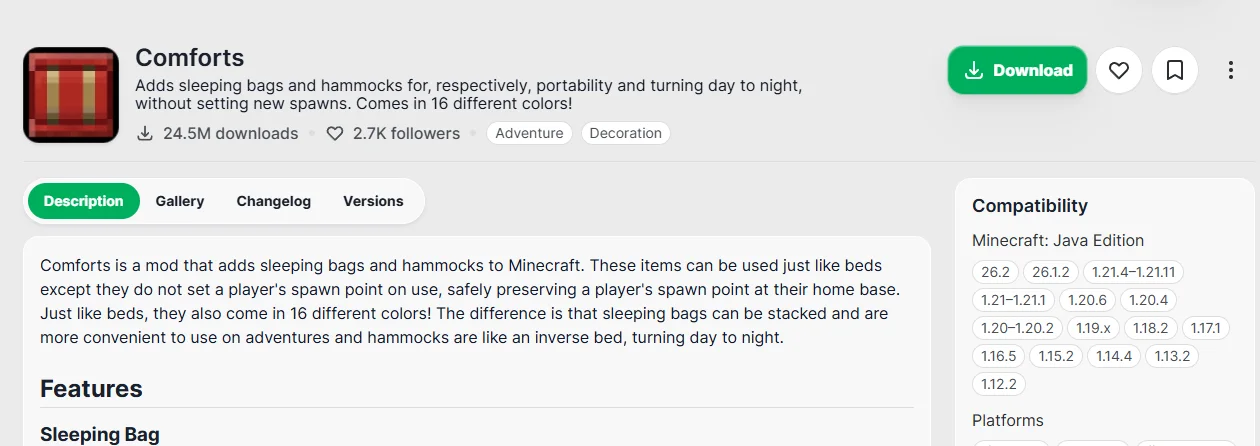
The top of the mod's original page: its name, author and details

This mod is released under an open licence, LGPL-3.0-or-later, which lets anyone share it as long as its authors are credited and the licence comes with it. Its source code: github.com/illusivesoulworks/comforts · The licence

Captured 20 Nov 2026 from the original page. The author can claim this page, or have it taken down, at any time.

Before you download

This mod needs other mods

Comforts needs this to work. Download and install it too.

Required 1