




















































Modhold
Minecraft
Freev26.3.0

Diagonal Fences

Fences connecting diagonally? Wait. That's illegal.

Fuzs4 @FuzsCredited author
0Unique downloads
11.9MDownloads, all sites
2Views
0Vouches
–no scores yetScore
Shared under its open licence (MPL-2.0)
Made by Fuzs. Its licence lets anyone share it, with credit. See the proof · Original page · Are you Fuzs?
About this modWritten by Modhold staff

Diagonal Fences makes fences connect to each other at an angle, which looks more natural in curved or slanted builds. Blocks from other mods are picked up automatically in most cases, and a block tag lets you exclude any that misbehave.

Kind
Building mod
Version
26.3.0
Installs with
The Modhold app

What it does

  • Lets fences link diagonally
  • Detects fences from other mods on its own
  • Exempts blocks through the diagonalfences:non_diagonal_fences tag
  • Works with most resource packs
  • Belongs to a family with Diagonal Windows and Diagonal Walls

How to install

  1. Press Install on this page, or in the Modhold app.
  2. Servers and clients both need a copy.

Mod Menu gives an in-game config screen on Fabric.

The author’s description by Fuzs, shared word for wordRead it


Diagonal Fences allows fences to connect diagonally, making builds feel more natural and flexible. 🧱 It behaves exactly as you would expect, adding smoother connections without changing the core feel of fences. Blocks added by other mods are supported dynamically whenever possible, and any unintended behavior can be controlled using the diagonalfences:non_diagonal_fences block tag. ⚙️ It also works seamlessly with most resource packs without extra setup. Part of the Diagonal Blocks family, alongside Diagonal Windows and Diagonal Walls. ✨ More ways to make your builds feel smoother, cleaner, and more natural.

⏩ INSTALLATION REQUIRED ON CLIENT & REQUIRED ON SERVER ⏩ REQUIRES PUZZLES LIB TO BE INSTALLED (FABRIC & NEOFORGE) ⏩ REQUIRES FABRIC API TO BE INSTALLED (FABRIC) ⏩ REQUIRES FORGE CONFIG API PORT TO BE INSTALLED (FABRIC)

If available for a mod, configuration is possible directly from in-game using the mod menu (requires Mod Menu by Prospector to be installed on Fabric). For manual configuration using an external text editor all files are found at .minecraft/config, named as MOD_ID-client.toml, MOD_ID-common.toml, or MOD_ID-server.toml, depending on the type of config. Not all types might exist for a mod, if any at all.

🌟 Thanks to TheWeatherPony for the original idea with their Fence Overhaul mod. 🌟 Thanks to Magneticflux for some of the diagonal hitbox code from their Diagonal Panes mod. 🌟 Thanks a lot to XFactHD for porting Diagonal Fences to 1.18, contributing the diagonal model code and helping out during development in general!


© 2026 @heyitsfuzs. All rights reserved. This page was last edited on 11 September 2026, at 06:44 (UTC).

Install

Put the .jar file in your Minecraft mods folder (with Fabric Loader or NeoForge installed for that Minecraft version), then start the game.
Requirements

New to Minecraft mods? Read how to install Minecraft mods.

Credits

LunaPixelStudios (Studio), Fuzs (Owner). Original page: https://modrinth.com/mod/diagonal-fences

Permissions

Open licence: MPL-2.0. Source code: https://github.com/Fuzss/diagonalfences. Original page: https://modrinth.com/mod/diagonal-fences. Shared on Modhold under that licence and credited to its authors; the files are unchanged.

Permission proof

Why this mod is on Modhold

The mod's original page, where it says what the mod is:

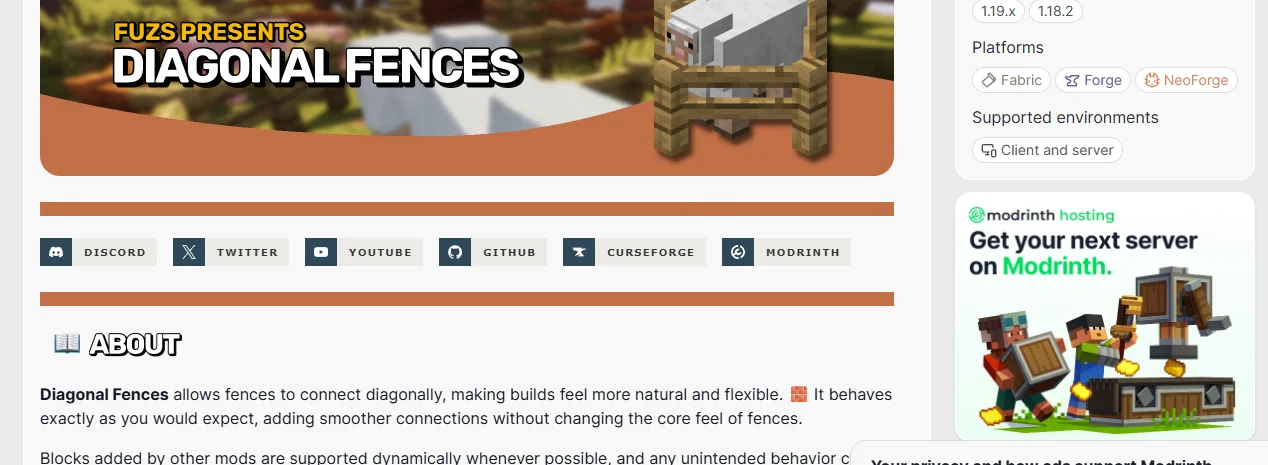
The top of the mod's original page: its name, author and details

This mod is released under an open licence, MPL-2.0, which lets anyone share it as long as its authors are credited and the licence comes with it. Its source code: github.com/Fuzss/diagonalfences · The licence

Captured 20 Nov 2026 from the original page. The author can claim this page, or have it taken down, at any time.

Before you download

This mod needs other mods

Diagonal Fences needs these to work. Download and install them too.

Required 3