




















































Modhold
Minecraft
Freev7.4.6

WorldEdit

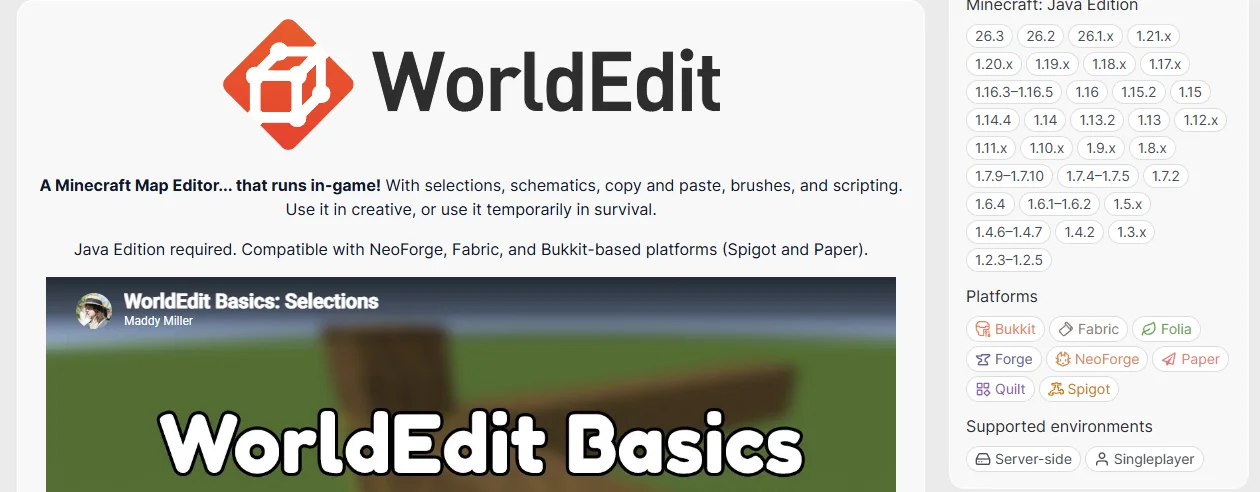
A Minecraft Map Editor... that runs in-game! With selections, schematics, copy and paste, brushes, and scripting. Use it in creative, or use it temporarily in survival.

me45023 @me4502Credited author
Sign in to download One-click install with the free Modhold app. Get the app
Share
X Facebook Reddit

Sign in to get 25 XP when someone opens your link.

0Unique downloads
12.1MDownloads, all sites
4Views
0Vouches
–no scores yetScore
Shared under its open licence (GPL-3.0-only)
Made by me4502. Its licence lets anyone share it, with credit. See the proof · Original page · Are you me4502?
About this modWritten by Modhold staff

WorldEdit is an in-game map editor for Java Edition Minecraft. You mark out regions and then copy, paste, fill or reshape huge areas with commands instead of placing blocks by hand, in creative or briefly in survival.

Kind
Building tool
Version
7.4.6
Needs
Nothing else
Installs with
The Modhold app

What it does

  • Makes selections, then copies and pastes them
  • Saves and loads schematics
  • Provides brushes for sculpting terrain
  • Supports scripting
  • Comes as a mod (NeoForge, Fabric) or a plugin for Spigot and Paper

How to install

  1. Press Install on this page, or in the Modhold app.
  2. Choose the mod file for a client or the plugin file for a Bukkit server, never both.
  3. Java Edition only; Bedrock is not supported.

The description says tutorials and docs are on YouTube and the official documentation site.

The author’s description by me4502, shared word for wordRead it

A Minecraft Map Editor... that runs in-game! With selections, schematics, copy and paste, brushes, and scripting. Use it in creative, or use it temporarily in survival.

Java Edition required. Compatible with NeoForge, Fabric, and Bukkit-based platforms (Spigot and Paper).

🛑 Make sure that you are using the Java version of Minecraft. WorldEdit does not support Bedrock!

Mod version:

  1. Install NeoForge or Fabric.
  2. Download WorldEdit from this page (make sure you grab the mod version, not the plugin).
  3. Put the WorldEdit mod file into your mods folder.

Plugin version:

  1. Set up a Bukkit server such as Spigot or Paper (Paper is recommended over Spigot).
  2. Download WorldEdit from this page (make sure you grab the plugin version, not the mod).
  3. Put the WorldEdit plugin file into your plugins folder.

Check YouTube for tutorials, or read the official documentation

The most complete source of WorldEdit information is our documentation, check them out here!

If you need further help than what the documentation can provide, you can join our Discord server.

Do I need cheats on?

If you're playing on single player: Yes, cheats must be enabled for the world to use WorldEdit, but you can change this in the configuration. If you're running a server: Only opped users can use WorldEdit, though this can be changed too.

Can anyone use it?

On servers, only opped users or users with permissions supplied with a permissions plugin can use WorldEdit. On LAN, anyone can use it if cheats are enabled.

How do you use WorldEdit?

To learn how to use WorldEdit, read the docs. Check YouTube for tutorials too!

I need help!!

You may visit our documentation or Discord Guild.

I have some feature requests...

Visit our issue tracker. However, if you just have a question, please try one of the methods above.

Can I include WorldEdit in my modpack?

You are free to include WorldEdit, without having to asking for explicit permission.  A link back to this page or our GitHub Sponsors would be appreciated, however.

Can I edit the source code?

Visit our GitHub repository. WorldEdit is licensed under GPLv3 and you can compile it with Gradle.

🎉 Support us on GitHub Sponsors!

Need a host? We recommend Apex Hosting

Install

Put the .jar file in your Minecraft mods folder (with Fabric Loader installed for that Minecraft version), then start the game.
Requirements

  • Minecraft: Java Edition with Fabric

New to Minecraft mods? Read how to install Minecraft mods.

Credits

me4502 (Maintainer), wizjany (Maintainer), octylFractal (Maintainer). Original page: https://modrinth.com/mod/worldedit

Permissions

Open licence: GPL-3.0-only. Source code: https://github.com/EngineHub/WorldEdit/. Original page: https://modrinth.com/mod/worldedit. Shared on Modhold under that licence and credited to its authors; the files are unchanged.

Permission proof

Why this mod is on Modhold

The mod's original page, where it says what the mod is:

The top of the mod's original page: its name, author and details

This mod is released under an open licence, GPL-3.0-only, which lets anyone share it as long as its authors are credited and the licence comes with it. Its source code: github.com/EngineHub/WorldEdit/ · The licence

Captured 20 Nov 2026 from the original page. The author can claim this page, or have it taken down, at any time.