Daily Screenshot v3.4.1
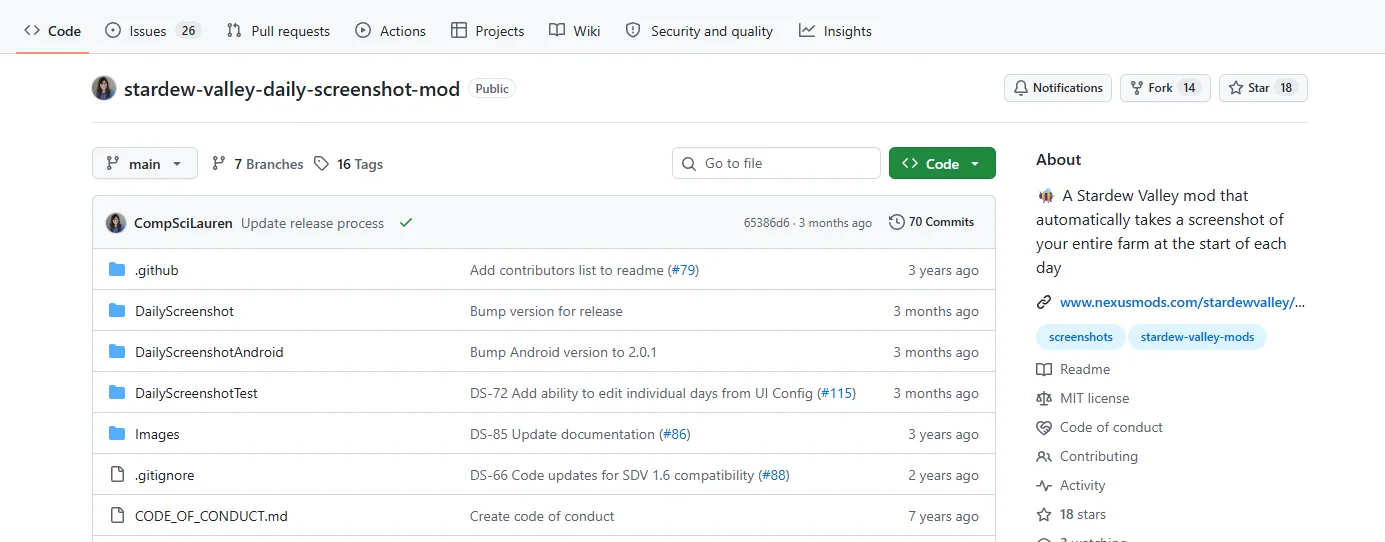
A Stardew Valley mod that automatically takes a screenshot of your entire farm at the start of each day.
Releases can be found at the following websites:
For Android users, releases can be found at the following websites:
Features
- One screenshot is automatically taken of your entire farm every day as soon as you leave your house.
- Super easy to gather screenshots to create a GIF that shows how your farm changes over time! GIF makers can be found online, such as ezgif GIF maker. Here is an example.
- Customizable! Change any number of default settings based on your preferences. Examples:
- What time of day to take screenshot.
- How often to take screenshot (daily, weekly, monthly, etc).
- Keyboard shortcut that takes screenshot when pressed (set to "None" by default).
- What weather conditions are allowed. It is common to allow all except rainy/stormy days, but default option allows all weather.
- Add multiple sets of rules (example, 1 set for daily automatic screenshots, 1 for manual key-press screenshots).
- Compatible with the "Generic Mod Config Menu" mod, which adds an in-game UI for easily updating the config.
- Screenshots are sent to your StardewValley/Screenshots folder, with each save file getting its own "FarmName-Screenshots" folder. Screenshots between multiple save files will not get mixed up.
- Easily access the screenshots in-game by scrolling to the bottom of the "Options" tab in the menu and clicking the "Open Destination Folder" button.
- Keeps the screenshots in the correct order to make creating the GIF easier. This is achieved by naming each screenshot with a "year-season-day.png" numerical format. For example, on Year 1, Winter, Day 3, the screenshot would be named "01-04-03.png".
Installation
- Install the latest version of SMAPI.
- Download Generic Mod Config Menu and unzip it into Stardew Valley/Mods. (recommended, but optional)
- Download this mod and unzip it into Stardew Valley/Mods.
- Run the game using SMAPI.
Compatibility
- Works with Stardew Valley 1.4 or later on Linux/Mac/Windows.
- Works in both single player and multiplayer.
- No known mod conflicts.
- Works with the Generic Mod Config Menu.
Configuration File
The file structure
You can add as many rules as you would like. You can configure multiple different screenshots to be taken automatically. There is also a way to setup manual screenshots via keypress as shown in the example here. Example of what the config file looks like:
{
  "ScreenshotsEnabled": true,
  "AuditoryEffects": true,
  "VisualEffects": true,
  "ScreenshotNotifications": true,
  "SnapshotRules": [
    {
      "Name": "Daily Farm Picture",
      "ZoomLevel": 0.25,
      "Directory": "Default",
      "FileName": "Default",
      "Trigger": {
        "Days": "Daily",
        "Weather": "Any",
        "Location": "Farm",
        "Key": "None",
        "StartTime": 600,
        "EndTime": 2600
      }
    },
    {
      "Name": "Keypress Picture",
      "ZoomLevel": 1.0,
      "Directory": "/home/hailey/SDV",
      "FileName": "None",
      "Trigger": {
        "Days": "Daily",
        "Weather": "Any",
        "Location": "Any",
        "Key": "P",
        "StartTime": 600,
        "EndTime": 2600
      }
    }
  ]
}
Note: Older configuration files (from prior to v2.0) will automatically be upgraded to the newer format when you upgrade to v2.0 or later.
For more examples of ways to customize the config.json file, see the Examples from the GitHub Wiki!
Triggers
Triggers are things that must happen for a screenshot to take place. All of the conditions must be true. Automatic screenshots (without a key press) happen at most once a day. Manual screenshots (with a key press) can be taken multiple times.
| Setting | Description | Type | Default Setting |
|---|---|---|---|
| ScreenshotsEnabled | Global setting (applies to all screenshots). Whether DailyScreenshot takes any screenshots at all. When set to false, no screenshots will be taken regardless of what the SnapshotRules are set to do. Does not affect the vanilla in-game screenshot button. | bool | true |
| AuditoryEffects | Global setting (applies to all screenshots). Whether a camera sound plays whenever a screenshot is taken. | bool | true |
| VisualEffects | Global setting (applies to all screenshots). Whether the screen flashes whenever a screenshot is taken. | bool | true |
| ScreenshotNotifications | Global setting (applies to all screenshots). Whether a notification is displayed whenever a screenshot is taken. | bool | true |
| Name | What to show when taking a picture. Rules without a name will be given a name automatically. | string | Unnamed Rule # |
| ZoomLevel | How should the picture be scaled. Any number between 0.01 and 1.0. The smaller the number, the smaller the picture (smaller pictures take less disk space). | float | 0.25 |
| Directory | Where to save the picture.Default or empty means the standard Startdew Valley screenshot directory.Note: Make sure to use a double backslash on Windows. | string | Default |
| FileName | A combination of values for the filename, separated by commas.Possible values are: None, Date, FarmName, GameID, Location, Weather, PlayerName, Time, UniqueID.Will follow the pattern: {FarmName}-{GameID}/{Location}/{Weather}/{Player Name}-{Date}-{Time}-{Unique ID} | enum | Date, FarmName, GameID, Location |
| Days | A combination of values for the days and seasons to take a screenshot.Possible values are: Day_1 .. Day_28, Mondays, Tuesdays, Wednesdays, Thursdays, Fridays, Saturdays, Sundays, FirstDayOfTheMonth, LastDayOfTheMonth, Spring, Summer, Fall, Winter, AnySeason, AnyDay, Daily.**Note: It is important if not using the daily value to specify season(s) and day(s) or a picture will not be taken.**Example: To take a picture on the 15th of fall use Day_15, Fall. | enum | Daily |
| Weather | A combination of values for the weather.Possible values are: Sunny, Rainy, Windy, Stormy, Snowy, Any. | enum | Any |
| Location | A combination of locations to take a picture. Picture will be taken when going to one of these locations.Possible values are: Farm, Farmhouse, Greenhouse, Beach, FarmCave, Cellar, Desert, Museum, CommunityCenter, Town, Mountain, Mine, MineShaft, IslandWest, IslandFarmhouse, IslandFieldOffice, Unknown, Any. Note: Unknown includes any locations not listed above. | enum | Any |
| Key | Key press to look for to take a picture. If set the picture will be taken on demand and not automatically.Possible values: List of possible keybindings | enum | None |
| StartTime | Earliest point at which to take the picture. The time cannot be more than EndTime and must be less than 600. Must be an increment of 10. | int | 600 |
| EndTime | Last point at which to take the picture. The time cannot be less than StartTime and cannot be more than 2600. Must be an increment of 10. | int | 2600 |
Contributors
Thank you so much to everyone who has contributed to this mod!
        Lauren Vu


        Scott Atkins


        Daniel Vu


        Atravita-Mods


        F3wer


        Glen Adams
            Fabien


            YoakeTsuki


            Syuchinikurin


            maatsuki


            KimmJoja
If you're interested in contributing, please see Contributing.md. Thanks!
Install
Install SMAPI first (it is on Modhold). Then install this with the Modhold app, or unzip it into the Mods folder in your Stardew Valley folder and start the game through SMAPI.
Licence
This mod is shared here under its authors' MIT licence. Its full text:
MIT License

Copyright (c) 2020 Lauren Vu

Permission is hereby granted, free of charge, to any person obtaining a copy
of this software and associated documentation files (the "Software"), to deal
in the Software without restriction, including without limitation the rights
to use, copy, modify, merge, publish, distribute, sublicense, and/or sell
copies of the Software, and to permit persons to whom the Software is
furnished to do so, subject to the following conditions:

The above copyright notice and this permission notice shall be included in all
copies or substantial portions of the Software.

THE SOFTWARE IS PROVIDED "AS IS", WITHOUT WARRANTY OF ANY KIND, EXPRESS OR
IMPLIED, INCLUDING BUT NOT LIMITED TO THE WARRANTIES OF MERCHANTABILITY,
FITNESS FOR A PARTICULAR PURPOSE AND NONINFRINGEMENT. IN NO EVENT SHALL THE
AUTHORS OR COPYRIGHT HOLDERS BE LIABLE FOR ANY CLAIM, DAMAGES OR OTHER
LIABILITY, WHETHER IN AN ACTION OF CONTRACT, TORT OR OTHERWISE, ARISING FROM,
OUT OF OR IN CONNECTION WITH THE SOFTWARE OR THE USE OR OTHER DEALINGS IN THE
SOFTWARE.