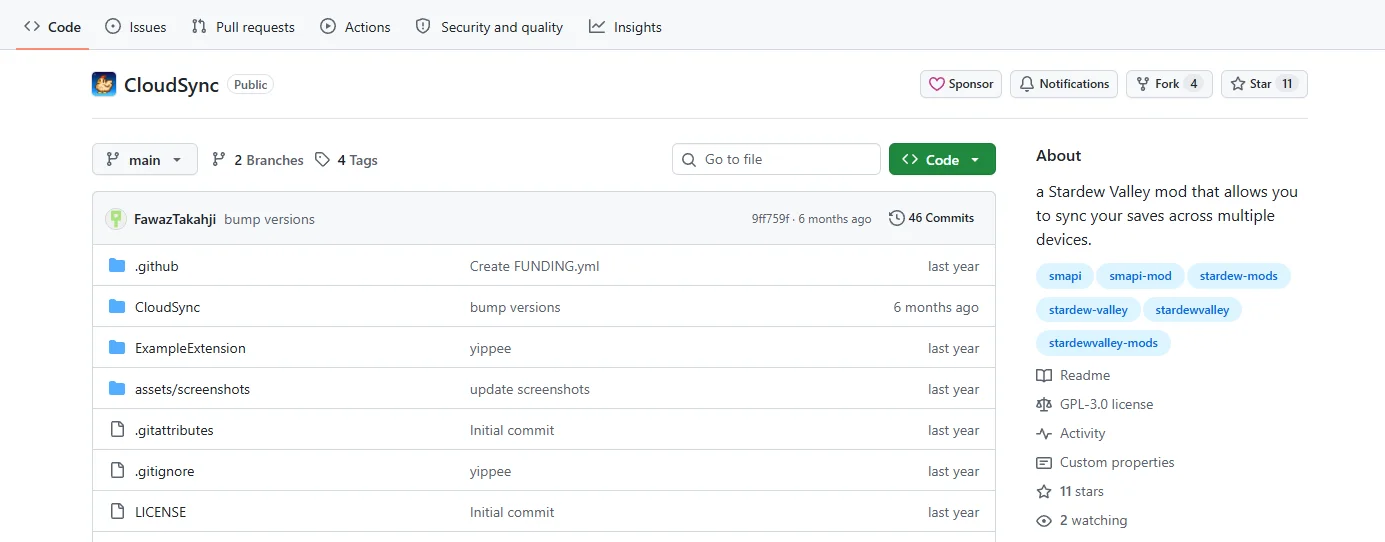
CloudSync
CloudSync is a Stardew Valley mod that allows you to sync your saves across multiple devices using cloud storage services like Dropbox, and Google Drive.
Installation
- Install SMAPI
- Download focustense's StardewUI mod
- Download the main mod and a cloud provider extension from Releases
- Optionally, download Global Config Settings Rewrite to preserve your settings
Features
- Upload saves to cloud storage services
- Download saves from cloud storage services
- Backup your saves when uploading
- Automatically upload your save after sleeping
- Get a warning if an existing save has more progress when uploading or downloading
- Support for adding your own cloud storage service using a custom extension mod
FAQ
My settings keep getting reset
When transferring the save between pc and mobile the pc settings will get reset, to solve this issue you should download the Global Config Settings Rewrite mod and enable the Apply on load option
Todo
- Add support for other cloud storage services
Translations
| Language | Status | Translators |
|---|---|---|
| Chinese | Partial | 1499935287 |
Screenshots
Home Menu
Local Saves Menu
Cloud Saves Menu
Save Info
Settings Menu
Extension Settings
Upload In Progress
Building
The mod build package should be able to locate your game folder automatically, if it cant find it or if you want to specify it manually, edit the csproj file like so:
    ...
    Your Game Path
    ...
If you want to set this path for all projects, create a file called stardewvalley.targets in your home folder (%userprofile% | ~) and add the following:
Your Game Path
You should now be able to build and debug the mod using your IDE
Install
Install SMAPI first (it is on Modhold). Then install this with the Modhold app, or unzip it into the Mods folder in your Stardew Valley folder and start the game through SMAPI.