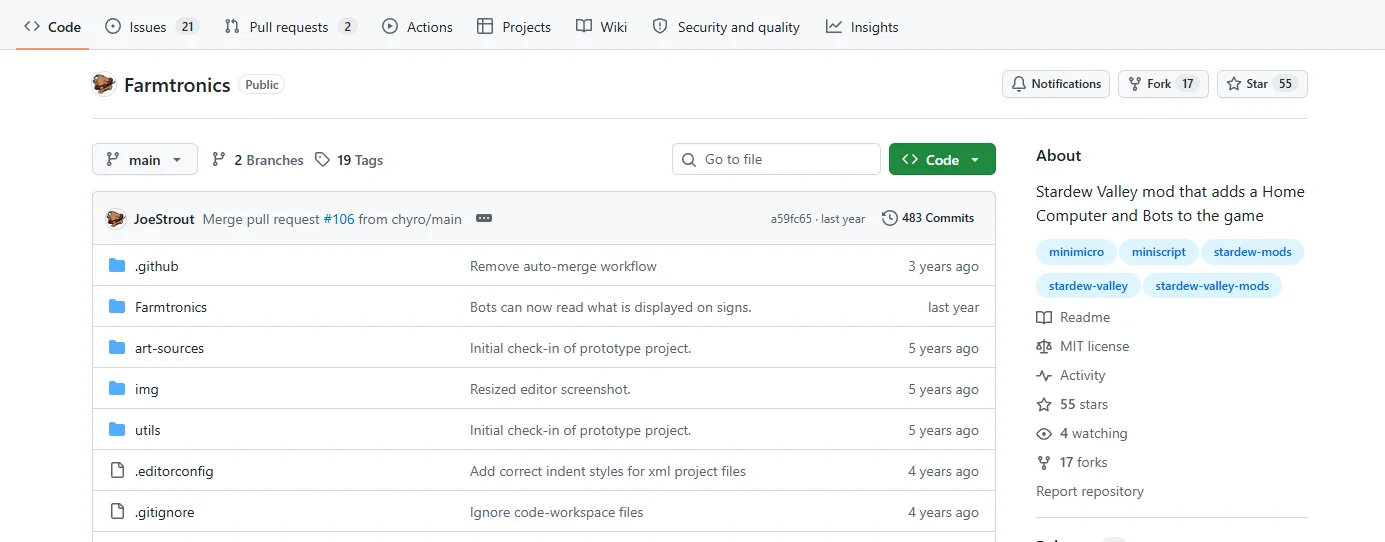
Farmtronics
This project is a Stardew Valley mod that adds the "Farmtronics Home Computer", as well as programmable Farmtronics Bots.
The Home Computer is a computer that connects to the TV in your cabin. Despite its early-80s appearance, it actually runs a very modern and elegant language, MiniScript. (See Why MiniScript, if you're curious.)
Bots each carry the same computer, but also have the ability to move around in the world and get things done. All you have to do is program them!
How to Play
- Download the mod zip file from the Releases page (or from NexusMods), and install it in the usual way.
- To use the Farmtronics Home Computer:
- Activate the TV in your house.
- Select the bottom-most option, Farmtronics Home Computer.
- Type code at the prompt. See https://miniscript.org for documentation on the language (and in particular, be sure to keep the Quick Reference handy).
- Also be sure to try the
helpcommand, and read through the various topics there.
- Press Esc to exit.
- To obtain and use a bot:
- On the Home Computer, use the
toDocommand to see the tasks you still need to complete. Complete them. - Check your mail the next day (after completing all tasks). You should have a letter with a Bot included. (Once you have read this letter, you can purchase additional bots at Pierre's shop.)
- Place the bot down in any empty spot on the map.
- Right-click a bot to access its computer console.
- Type code at the prompt. This is the same code as on the Home Computer, but allows for some additional commands, like
me.position,me.left,me.right,me.forward,me.inventory,me.currentToolIndex(which can be assigned to), andme.useTool.
See the Wiki for more documentation and sample code.
Questions? Issues? Things to share?
Best place to discuss this mod is on the MiniScript Discord. There is a #farmtronics channel there.
Road Map
See ROADMAP.md for our development plan, including what features are expected in which future versions of the mod.
Install
Install SMAPI first (it is on Modhold). Then install this with the Modhold app, or unzip it into the Mods folder in your Stardew Valley folder and start the game through SMAPI.
Licence
This mod is shared here under its authors' MIT licence. Its full text:
MIT License

Copyright (c) 2021 JoeStrout

Permission is hereby granted, free of charge, to any person obtaining a copy
of this software and associated documentation files (the "Software"), to deal
in the Software without restriction, including without limitation the rights
to use, copy, modify, merge, publish, distribute, sublicense, and/or sell
copies of the Software, and to permit persons to whom the Software is
furnished to do so, subject to the following conditions:

The above copyright notice and this permission notice shall be included in all
copies or substantial portions of the Software.

THE SOFTWARE IS PROVIDED "AS IS", WITHOUT WARRANTY OF ANY KIND, EXPRESS OR
IMPLIED, INCLUDING BUT NOT LIMITED TO THE WARRANTIES OF MERCHANTABILITY,
FITNESS FOR A PARTICULAR PURPOSE AND NONINFRINGEMENT. IN NO EVENT SHALL THE
AUTHORS OR COPYRIGHT HOLDERS BE LIABLE FOR ANY CLAIM, DAMAGES OR OTHER
LIABILITY, WHETHER IN AN ACTION OF CONTRACT, TORT OR OTHERWISE, ARISING FROM,
OUT OF OR IN CONNECTION WITH THE SOFTWARE OR THE USE OR OTHER DEALINGS IN THE
SOFTWARE.