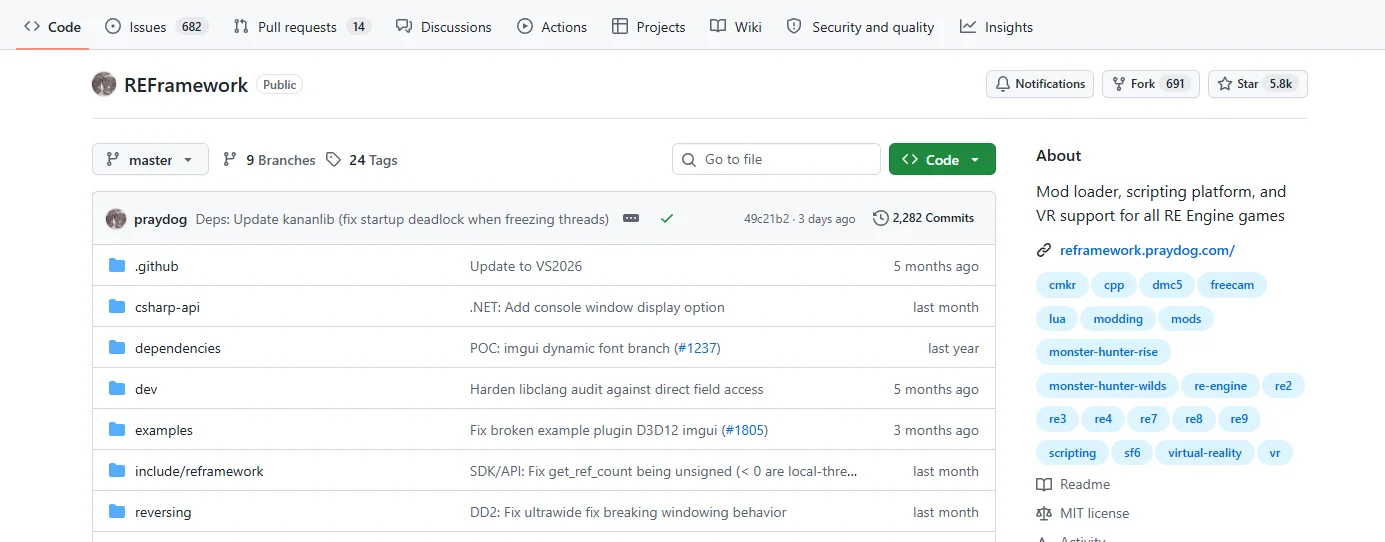
REFramework
A mod framework, scripting platform, and modding tool for RE Engine games. Inspired by and uses code from Kanan
Installation
The last stable build can be downloaded from the Releases page.
For newer builds, check out the Nightly Developer Builds
Non-VR
- Extract only the
dinput8.dllfrom the zip file into your game folder.
VR
- Install SteamVR (unless you're using OpenXR on a supported headset)
- Extract the whole zip file into your corresponding game folder.
Proton/Linux
Add the launch option WINEDLLOVERRIDES="dinput8.dll=n,b" %command% to your game through Steam's properties after extraction.
Example game folder: G:\SteamLibrary\steamapps\common\RESIDENT EVIL 2 BIOHAZARD RE2
Supports both DirectX 11 and DirectX 12.
Included Mods
- Lua Scripting API & Plugin System (All games, check out the Wiki)
- VR
- Generic 6DOF VR support for all games
- Motion controls for RE2/RE3/RE7/RE8
- First Person (RE2, RE3)
- Manual Flashlight (RE2, RE3, RE8)
- Free Camera (All games)
- Scene Timescale (All games)
- FOV Slider (All games)
- Vignette Disabler (All games)
- Ultrawide/Aspect Ratio fixes (All games)
- GUI Hider/Disabler (All games)
Included Fixes
- RE8 Startup Crash
- RE8 Stutters (killing enemies, taking damage, etc...)
- MHRise/RE8 crashes related to third party DLLs
Included Tools (Developer Mode)
- Game Objects Display
- Object Explorer
Supported Games
- Resident Evil 2
- Resident Evil 3
- Resident Evil 4
- Resident Evil 7
- Resident Evil Village
- Resident Evil Requiem
- Devil May Cry 5
- Street Fighter 6
- Monster Hunter Rise
- Monster Hunter Wilds
- Monster Hunter Stories 3
- Dragon's Dogma 2
- Dead Rising Deluxe Remaster
- Ghosts 'n Goblins Resurrection
- Apollo Justice: Ace Attorney Trilogy
- Kunitsu-Gami: Path of the Goddess
- Onimusha 2: Samurai's Destiny
- Onimusha: Way of the Sword
- Mega Man Star Force Legacy Collection
Thanks
SkacikPL for originally creating the Manual Flashlight mod.
cursey for helping develop the VR component and the scripting system.
The Hitchhiker and alphaZomega for the great help stress testing, creating scripts for the scripting system, and helpful suggestions.
Install
Unzip it into your Resident Evil 4 game folder, so dinput8.dll sits next to re4.exe, then start the game.
Licence
This mod is shared here under its authors' MIT licence. Its full text:
MIT License

Copyright (c) 2019 praydog

Permission is hereby granted, free of charge, to any person obtaining a copy
of this software and associated documentation files (the "Software"), to deal
in the Software without restriction, including without limitation the rights
to use, copy, modify, merge, publish, distribute, sublicense, and/or sell
copies of the Software, and to permit persons to whom the Software is
furnished to do so, subject to the following conditions:

The above copyright notice and this permission notice shall be included in all
copies or substantial portions of the Software.

THE SOFTWARE IS PROVIDED "AS IS", WITHOUT WARRANTY OF ANY KIND, EXPRESS OR
IMPLIED, INCLUDING BUT NOT LIMITED TO THE WARRANTIES OF MERCHANTABILITY,
FITNESS FOR A PARTICULAR PURPOSE AND NONINFRINGEMENT. IN NO EVENT SHALL THE
AUTHORS OR COPYRIGHT HOLDERS BE LIABLE FOR ANY CLAIM, DAMAGES OR OTHER
LIABILITY, WHETHER IN AN ACTION OF CONTRACT, TORT OR OTHERWISE, ARISING FROM,
OUT OF OR IN CONNECTION WITH THE SOFTWARE OR THE USE OR OTHER DEALINGS IN THE
SOFTWARE.