




















































Modhold
Minecraft
Freev6.3.1+26.3-fabric

Blur+

Spices up the boring vanilla blur effect – featuring animations, colors and lots of customizability!

Motschen4 @MotschenCredited author
0Unique downloads
11.6MDownloads, all sites
3Views
0Vouches
–no scores yetScore
Shared under its open licence (MIT)
Made by Motschen. Its licence lets anyone share it, with credit. See the proof · Original page · Are you Motschen?
About this modWritten by Modhold staff

Blur+ replaces the plain background blur behind menus with an animated, colorable one. You can set the blur strength and tint to taste, and it is said to work with shaders.

Kind
Menu visual mod
Version
6.3.1+26.3-fabric
Installs with
The Modhold app

What it does

  • Gaussian blur behind inventory and other screens, fading in
  • Blur strength set through a radius option
  • Background colors and gradients can be changed
  • Shader support, though OptiFine shaders are not covered

How to install

  1. Press Install on this page, or in the Modhold app.
  2. Run it through Fabric Loader.
  3. Put Fabric API next to it and edit options in the config afterward.

For OptiFine shaders the author suggests using Canvas instead.

The author’s description by Motschen, shared word for wordRead it

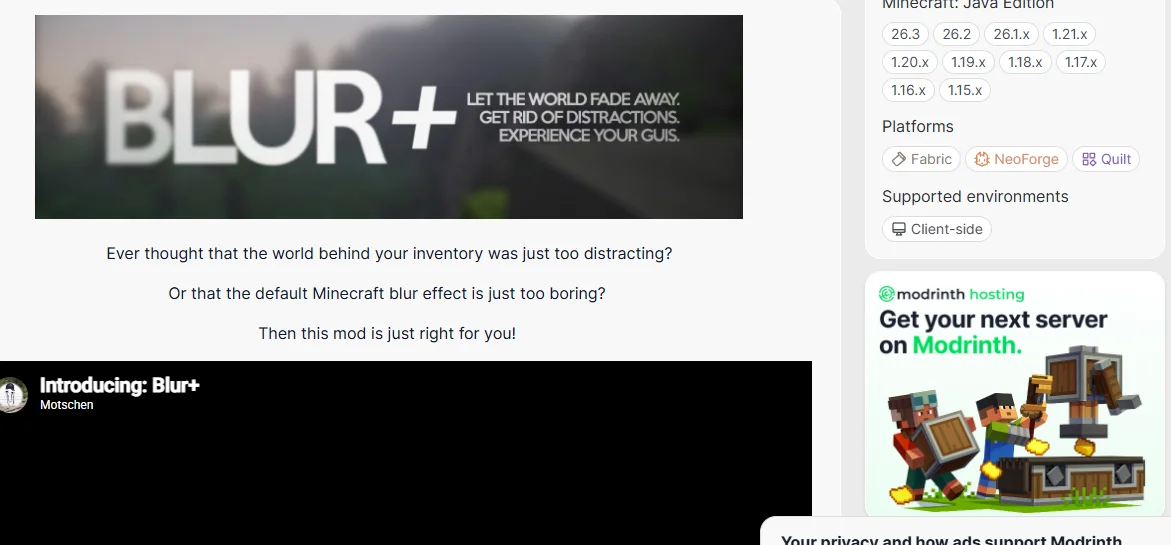
   Ever thought that the world behind your inventory was just too distracting? Or that the default Minecraft blur effect is just too boring? Then this mod is just right for you!


Old Description

  Blur adds a Gaussian blur shader to the background of all GUIs, which fades into give it a sleek look. It is also highly configurable, so you can tune the look of the mod to your liking. Click here for a massive gif demonstration!   NOTE: This is the Fabric version of Blur, for the Forge version, look here.   You can configure the strength of the blur in the config file with the "radius" option.   Here is a demonstration of a few different radii:

  Change the background colors and gradient!

  Get lost in your GUIs!

  Gorgeous rainy evening with you and your blur:

  Works with shaders! Currently doesn't work with Optifine shaders due to an issue with Satin - consider using Canvas instead.

  Explanation of Config Settings

radius

As explained above, this controls how "strong" the blur is. If you are experiencing performance problems, lower this.

fadeTime

This is the time it takes for the blur to "fade in", in milliseconds.

gradientStart/EndColor

The colors to use for the overlay on all GUI backgrounds. The value here is a hexadecimal color value, in the format ARGB (alpha first, then rgb). Because the background is a gradient, two colors can be specified. The default is black with a 45% alpha value (75000000).

guiExclusions

A list of classes to be excluded from the blur shader. This is to be used for GUIs which do not necessarily cover the screen. It defaults to containing only one GUI, the chat.      

Install

Put the .jar file in your Minecraft mods folder (with Fabric Loader or NeoForge installed for that Minecraft version), then start the game.
Requirements

New to Minecraft mods? Read how to install Minecraft mods.

Credits

Motschen (Owner). Original page: https://modrinth.com/mod/blur-plus

Permissions

Open licence: MIT. Source code: https://github.com/Motschen/Blur. Original page: https://modrinth.com/mod/blur-plus. Shared on Modhold under that licence and credited to its authors; the files are unchanged.

Permission proof

Why this mod is on Modhold

The mod's original page, where it says what the mod is:

The top of the mod's original page: its name, author and details

This mod is released under an open licence, MIT, which lets anyone share it as long as its authors are credited and the licence comes with it. Its source code: github.com/Motschen/Blur · The licence

Captured 20 Nov 2026 from the original page. The author can claim this page, or have it taken down, at any time.

Before you download

This mod needs other mods

Blur+ needs this to work. Download and install it too.

Required 1