




















































Modhold
Minecraft
Freev26.3.0

Trading Post

Rule the village! Trade with every villager at once!

Fuzs4 @FuzsCredited author
0Unique downloads
9.7MDownloads, all sites
2Views
0Vouches
–no scores yetScore
Shared under its open licence (MPL-2.0)
Made by Fuzs. Its licence lets anyone share it, with credit. See the proof · Original page · Are you Fuzs?
About this modWritten by Modhold staff

Trading Post is a block that lets you trade with every villager nearby in a single window, so you need not chase them one at a time. It has its own model and animates as you approach.

Kind
Trading mod
Version
26.3.0
Installs with
The Modhold app

What it does

  • Adds one new block
  • Gathers trades from villagers in an area
  • Plays a smooth animation as you come close

How to install

  1. Press Install on this page, or in the Modhold app.
  2. It needs to be installed on both client and server.
The author’s description by Fuzs, shared word for wordRead it


Trading Post adds a single new block that changes how trading works in your world. 🧾 Instead of searching for individual villagers, you can access all nearby trades in one clean interface within an area. The block also features a unique model and a smooth animation when you approach it, making it feel right at home in any village. ✨

⏩ INSTALLATION REQUIRED ON CLIENT & REQUIRED ON SERVER ⏩ REQUIRES PUZZLES LIB TO BE INSTALLED (FABRIC & NEOFORGE) ⏩ REQUIRES FABRIC API TO BE INSTALLED (FABRIC) ⏩ REQUIRES FORGE CONFIG API PORT TO BE INSTALLED (FABRIC)

If available for a mod, configuration is possible directly from in-game using the mod menu (requires Mod Menu by Prospector to be installed on Fabric). For manual configuration using an external text editor all files are found at .minecraft/config, named as MOD_ID-client.toml, MOD_ID-common.toml, or MOD_ID-server.toml, depending on the type of config. Not all types might exist for a mod, if any at all.

🌟 Thanks to RWTema for inspiring this mod from the trading post block found in old versions of their Extra Utilities mod. 🌟 Thanks to Vazkii for the floating emerald rendering code taken from the matrix enchanting table renderer in their Quark mod.


© 2026 @heyitsfuzs. All rights reserved. This page was last edited on 11 September 2026, at 06:44 (UTC).

Install

Put the .jar file in your Minecraft mods folder (with Fabric Loader or NeoForge installed for that Minecraft version), then start the game.
Requirements

New to Minecraft mods? Read how to install Minecraft mods.

Credits

LunaPixelStudios (Studio), Fuzs (Owner). Original page: https://modrinth.com/mod/trading-post

Permissions

Open licence: MPL-2.0. Source code: https://github.com/Fuzss/tradingpost. Original page: https://modrinth.com/mod/trading-post. Shared on Modhold under that licence and credited to its authors; the files are unchanged.

Permission proof

Why this mod is on Modhold

The mod's original page, where it says what the mod is:

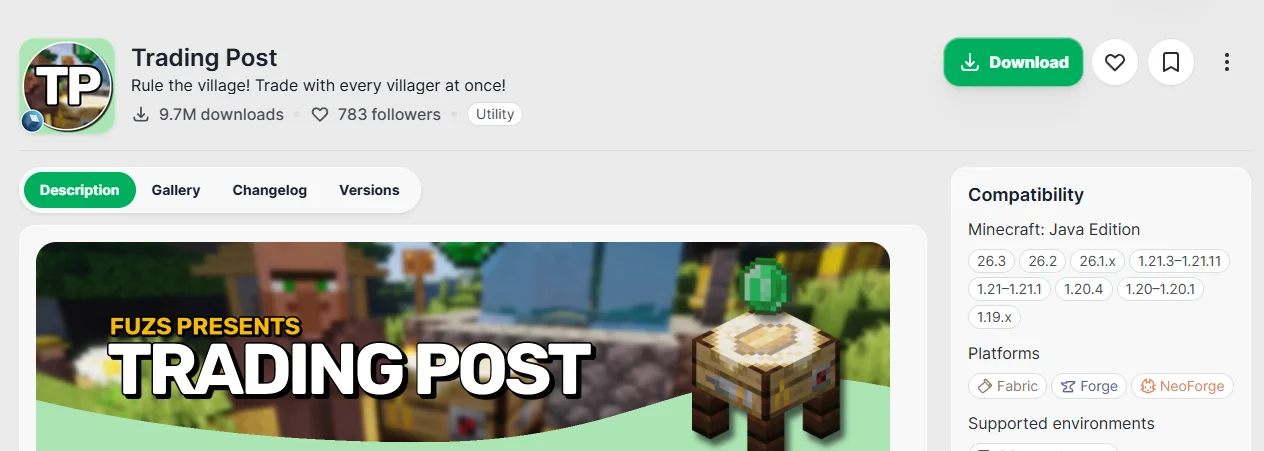
The top of the mod's original page: its name, author and details

This mod is released under an open licence, MPL-2.0, which lets anyone share it as long as its authors are credited and the licence comes with it. Its source code: github.com/Fuzss/tradingpost · The licence

Captured 20 Nov 2026 from the original page. The author can claim this page, or have it taken down, at any time.

Before you download

This mod needs other mods

Trading Post needs these to work. Download and install them too.

Required 3