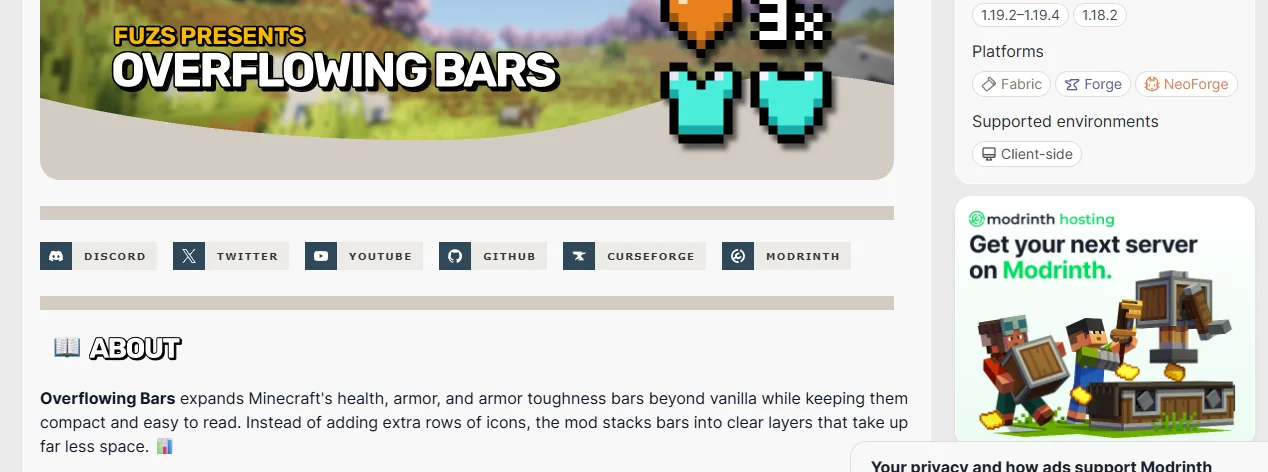
Overflowing Bars expands Minecraft's health, armor, and armor toughness bars beyond vanilla while keeping them compact and easy to read. Instead of adding extra rows of icons, the mod stacks bars into clear layers that take up far less space. 📊 When your stats exceed vanilla limits, a row counter shows exactly how many layers of health, armor, or toughness you have. No memorizing color schemes or guessing which layer you're viewing. 🔢 The mod also adds a dedicated armor toughness bar, bringing an important defensive stat into the HUD that vanilla doesn't display. 🛡️ For proper support of armor and toughness values beyond vanilla limits, install AttributeFix by DarkhaxDev. 🌟
❤️ Compact Health Display: Stack health beyond ten hearts without adding extra rows to the HUD. 🛡️ Armor Beyond Vanilla Limits: Display high armor values while using only as much space as necessary. 💎 Armor Toughness Bar: Adds a dedicated toughness display so you can always see this important defensive stat. 🔢 Clear Layer Counters: Every stacked bar can display a numeric indicator showing exactly how many layers are present. 🎨 Easy to Read Colors: Uses vanilla colors as the base layer and a single highlight color for stacked layers, avoiding confusing rainbow style displays. 📏 Space Efficient HUD: Stays compact even with very high health, armor, or toughness values. 💬 Chat Compatibility Fix: Prevents chat messages from covering armor related HUD elements. ⚙️ Customizable Layout: Adjust positioning, stacking behavior, counters, and display options to suit your preferred HUD setup.
⏩ INSTALLATION REQUIRED ON CLIENT ⏩ REQUIRES PUZZLES LIB TO BE INSTALLED (FABRIC & NEOFORGE) ⏩ REQUIRES FABRIC API TO BE INSTALLED (FABRIC) ⏩ REQUIRES FORGE CONFIG API PORT TO BE INSTALLED (FABRIC)
If available for a mod, configuration is possible directly from in-game using the mod menu (requires Mod Menu by Prospector to be installed on Fabric). For manual configuration using an external text editor all files are found at .minecraft/config, named as MOD_ID-client.toml, MOD_ID-common.toml, or MOD_ID-server.toml, depending on the type of config. Not all types might exist for a mod, if any at all.
🌟 Thanks to LocusWay and their Overpowered Armor Bar mod for inspiring the layered armor bar. 🌟 Thanks to Vazkii and their Quark mod for inspiring the armor and toughness overlay icon. 🌟 Thanks to cadaverous_queen and their Rustic mod for the armor toughness icon and the original idea for that bar. 🌟 Thanks to mDiyo and their Mantle mod for originally coming up with the stacking hearts display.
© 2026 @heyitsfuzs. All rights reserved. This page was last edited on 11 September 2026, at 06:44 (UTC).
Install
Put the .jar file in your Minecraft mods folder (with Fabric Loader or NeoForge installed for that Minecraft version), then start the game.