xEdit
xEdit by ElminsterAU. The editing and conflict-resolution tool for Bethesda game plugins — Oblivion through Starfield.
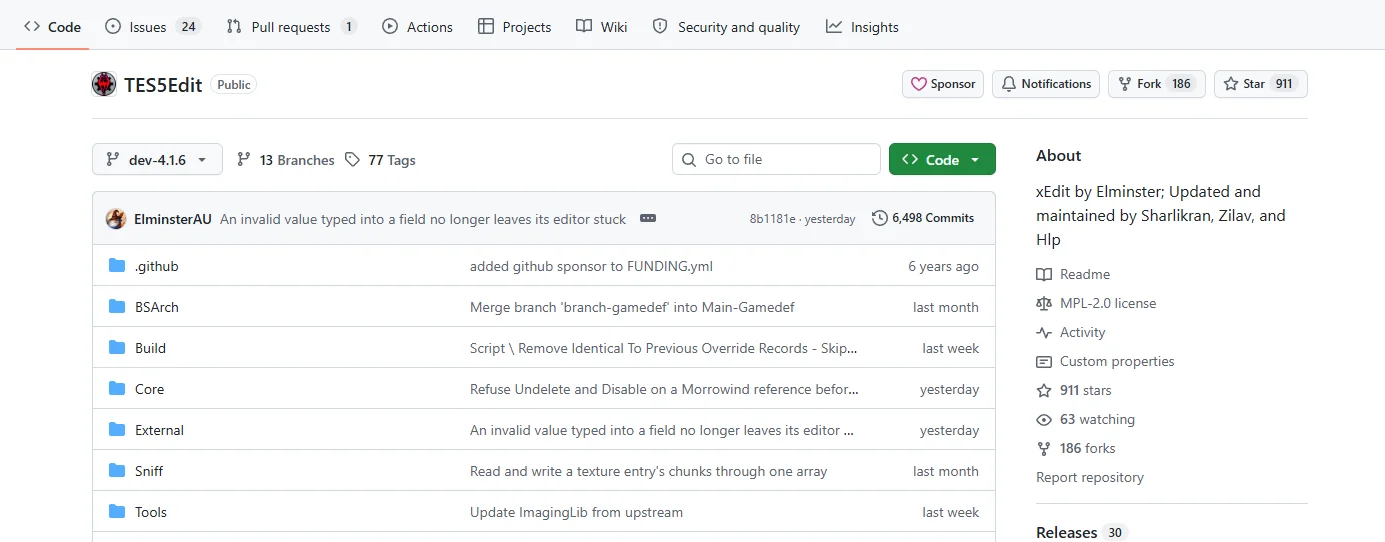
Maintainers and Contributors
Author and upstream maintainer: ElminsterAU (since 2006)
Co-maintainer: robertgk2017 — record definitions across all supported game formats, BSArch/BSArchPro, core editor fixes; integration point for incoming contributions
Regular contributors: Jonathan Ostrus, fireundubh, eckserah
LOD tooling (xLODGen/DynDOLOD): Sheson
Historical maintainers (2012–2019): Hlp, Zilav, Sharlikran
See the contributors graph and whatsnew.md for per-release attribution.
GitHub Issue Tracker
Our GitHub issue tracker offers a place to submit and discuss feature requests and bug reports. When using it, please ensure that any criticism you provide is constructive.
Please do not use the tracker for general help and support on how to use xEdit.
Releases
The most recent builds are available through the xEdit Discord in the #xedit-builds channel. The archive provided here is generic and works with all current game modes. See the xEdit Versions table in this document on how to properly use it.
Less frequently updated already renamed packages can be found on the following pages:
xEdit Releases
xLODGen Releases
User Documentation
xEdit Cleaning Guide
With the 4.0 update, all previous guides are obsolete. Refer to xEdit Quick Auto Clean.
Manuals
- Fallout3 Training Manual for FO3Edit (applies to all game versions)
- Fallout New Vegas Training Manual for FO3Edit (applies to all game versions)
Online Documentation
EpFwip started an HTML conversion of the Fallout 3 Training Manual many years ago. With the help of GhPages and Jekyll online documentation for xEdit is now available. New screenshots of the Fallout 3 examples that Miax and JustinOther presented will be added as time permits. Also, the website will continue to evolve over time.
However, for now consider what the Tome of xEdit presents as a current resource for xEdit functionality. The previous PDF file presented step-by-step illustrations of the built-in functions available to xEdit. While the UI itself has had few changes over time the functions work the same and only certain functions are game-specific.
The online documentation is available from the Help button built into the developmental version of xEdit or you can view it from here.
Developer Documentation
Getting started with xEdit development requires a properly configured Delphi environment. The following instructions should get you through the minimal viable setup.
Install Delphi
If you don't already have a Delphi environment, we recommend using Delphi 13 Community Edition.
Install Dependencies
The JCL and JVCL installers need the command-line compiler, which the Community Edition does not include, so the steps below build and install their packages from the IDE instead.
- Download and install Project Magician.
- Download and install DDevExtensions.
- Launch Delphi and navigate to Tools → DDevExtensions Options.
- Under Extended IDE Settings,
- enable the Disable Package Cache option.
- Under Form Designer,
- enable the Do not store the Explicit properties into the DFM option.
- Exit Delphi.
- Clone the xEdit repo (if you haven't already) and initialize submodules (run
git submodule update --init --recursivefrom the git root). - Copy jcld37win32.inc from the External\jcl-inc\ directory to the External\jcl\jcl\source\include\ directory.
- Open External\jcl\jcl\packages\JclPackagesD370.groupproj.
- Build All, then install all packages (non-runtime packages with green icons).
- Restart Delphi.
- Open External\jvcl\jvcl\packages\D37 Packages.groupproj.
- Navigate to Tools → Options.
- Under Language → Delphi, add the below paths to the Library option:
- {TES5Edit repo}\External\jcl\jcl\lib\d37\win32
- {TES5Edit repo}\External\jcl\jcl\source\include
- Build All, then install all packages (non-runtime packages with green icons).
- Restart Delphi.
- Navigate to Tools → Options.
- Under Language → Delphi, add the below path to the Library option:
- {TES5Edit repo}\External\jvcl\jvcl\lib\d37\win32
- Restart Delphi.
- Open External\VirtualTrees\Packages\RAD Studio 13\VirtualTreeView.groupproj.
- Build All, then install VirtualTreesD370.bpl.
- Open External\FileContainer\FileContainer37.groupproj.
- Build All, then install FileContainerD37.bpl.
Important Note
If you don't have commercial DevExpress components, you'll need to open BethWorkBench.groupproj and ensure the Build Configuration is set to LiteDebug.
xEdit versions
All xEdit executable files can support all game modes. To choose which mode to use either:
- Launch the application using the command line argument
- Rename the xEdit executable to include the game mode
| Game | Executable Name | Argument |
|---|---|---|
| Enderal | EnderalEdit.exe |
-Enderal |
| Enderal SE | EnderalSEEdit.exe |
-EnderalSE |
| Oblivion | TES4Edit.exe |
-TES4 |
| Oblivion Remastered | TES4REdit.exe |
-TES4R |
| Skyrim | TES5Edit.exe |
-TES5 |
| Skyrim SE | SSEEdit.exe |
-SSE |
| Skyrim VR | TES5VREdit.exe |
-TES5VR |
| Fallout 3 | FO3Edit.exe |
-FO3 |
| Fallout: New Vegas | FNVEdit.exe |
-FNV |
| Fallout 4 | FO4Edit.exe |
-FO4 |
| Fallout 4 VR | FO4VREdit.exe |
-FO4VR |
| Fallout 76 | FO76Edit.exe |
-FO76 |
| Starfield | SF1Edit.exe |
-SF1 |
xEdit Updates
With each new version of xEdit, it is recommended to restore plugins from backups and reclean them. Otherwise, any fixes and updates to the cleaning process won't take effect.
Changelog
See the What's New or view the What's New tab inside the application.
The Changelog has been moved to the What's New document.
Install
Unzip it into its own folder anywhere (not inside the game's Data folder) and run it. If you use MO2, add it as an executable so it sees your load order.