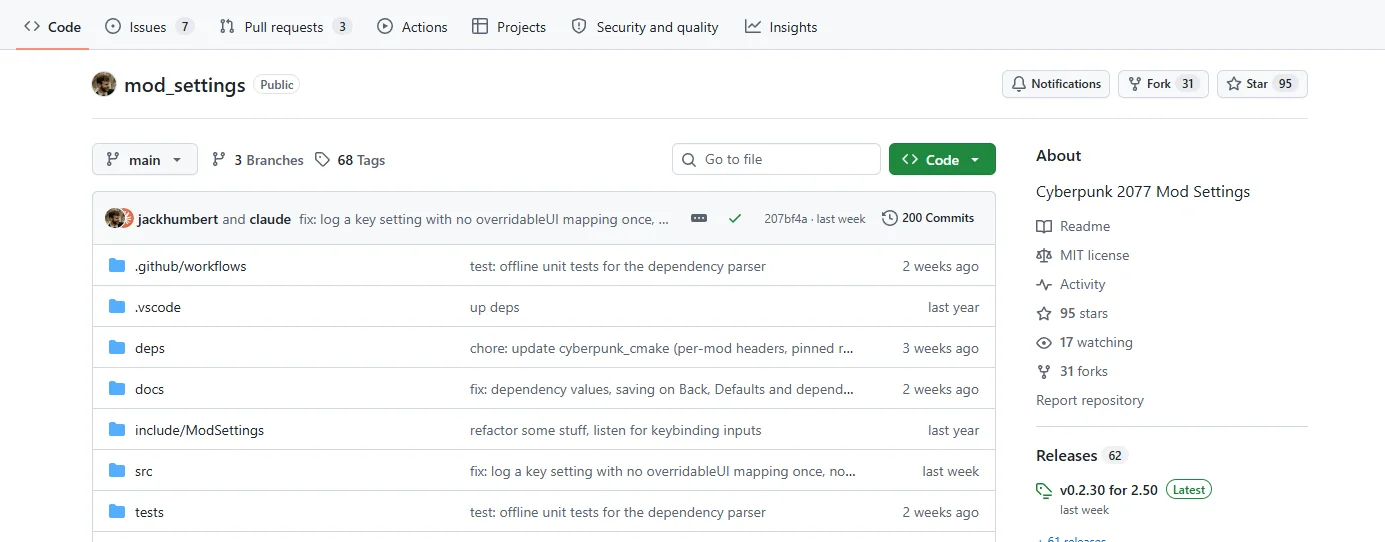
Mod Settings
Installation
Get the latest release here - packed-v*.zip in the release contains all of the requirements listed below at their most up-to-date versions (at the time of release). Simply extract it and copy the contents in your game's installation folder.
If you want to install the mod outside of a release (not recommended), the build/ folder in the repo contains all of the mod-specific files that you can drag into your game's installation folder.
Configuration
Configuration is done through redscript classes. See one example here. Variable & class names are limited to 1024 characters.
Listen for changes
In Redscript, you can register the class (where you have your mod variables defined) as a listener to changes made in Mod Settings:
ModSettings.RegisterListenerToClass(this);
...
ModSettings.UnregisterListenerToClass(this);
The default values & runtime values will then be updated when settings are changed.
You can also listen to things globally via:
ModSettings.RegisterListenerToModifications(this);
Which will fire callbacks that must be named/look like this:
public cb func OnModVariableChangeRequested(groupPath: CName, varName: CName) -> Void { }
public cb func OnModVariableChangeAccepted(groupPath: CName, varName: CName) -> Void { }
public cb func OnModSettingsChange() -> Void { }
groupPath is equal to /mods/[ModName]/[ModClass], and varName is equal to the variable name.
Keybinding Configuration
Specify an .xml file to be processed by Input Loader like, defining a overridableUI attribute in a button inside of a mapping:
<?xml version="1.0"?>
On the redscript side, define a variable using the overridableUI value as the name in a class (any class) for your mod like this:
@runtimeProperty("ModSettings.mod", "Test mod")
public let MyModTestButton: EInputKey = EInputKey.IK_A;
You can then listen for your action when the context you specified in the .xml is active:
player.RegisterInputListener(this, n"TestModAction");
And respond to it with a callback:
protected cb func OnAction(action: ListenerAction, consumer: ListenerActionConsumer) -> Bool {
  if Equals(ListenerAction.GetName(action), n"TestModAction") {
    ...
  }
}
Advanced Configuration for Enums
enum ModSetting {
  OptionA = 0,
  OptionB = 1,
  OptionC = 2
}

class ModSettings {
  @runtimeProperty("ModSettings.mod", "Mod")
  @runtimeProperty("ModSettings.displayName", "UI-ModSetting-Label")
  @runtimeProperty("ModSettings.displayValues.OptionA", "UI-ModSetting-OptionA")
  @runtimeProperty("ModSettings.displayValues.OptionB", "Fixed Option B")
  public let setting: ModSetting = ModSetting.OptionA;
}
This example will produce the following results for enum values:
| Enum Value | Display Value |
|---|---|
OptionA |
Localized text GetLocalizedText("UI-ModSetting-OptionA") |
OptionB |
Fixed text "Fixed Option B" |
OptionC |
Value name "OptionC" |
Requirements
For the mod to work with REDmod deployments, the following mod is required:
Compatibility
If the Mod Settings entry is missing from the pause menu, check r6/logs/redscript_rCURRENT.log first. When any redscript mod fails to compile (usually UNRESOLVED_REF, with the offending file named), the game drops every script mod, Mod Settings included. The other common cause is a mod manager that never deployed red4ext/plugins/mod_settings/.
Mods reported alongside a missing menu or crashes on game 2.5, checked against Mod Settings 0.2.27:
| Mod | Verdict |
|---|---|
| ReFRACT | No conflict with 1.5.0 (built for 2.5): tested in game, the entry shows, its page opens and Apply works. ReFRACT is a RED4ext plugin that uses Mod Settings for its options; 1.4.0 and older were built for 2.31 and their author expected them to break on 2.5. Update ReFRACT. |
| Blur Begone | No conflict with 2.6.0 (built for 2.5): tested in game together with ReFRACT. Since 2.0.0 it is a RED4ext plugin with Mod Settings options, and 2.5.0 and older were built for 2.31. The 1.x versions were mesh and material replacer archives. Update Blur Begone, and update it together with ReFRACT. |
| Better Vehicle First Person | No overlap: it is a Cyber Engine Tweaks Lua mod with no redscript, archives or RED4ext parts, so it cannot hide the menu. It has not been updated since 2024 and is reported to crash 2.5 by itself. Remove it, or switch to a maintained replacement. |
Development
Running tools/ModStngs.1sc on mod_settings_main.inkwidget will toggle between using a custom class (ModStngs replacing Settings in SettingsMainGameController and SettingsSelectorController*) so the file can be opened & edited in Wolvenkit. If you keep the file open in Wolvenkit, you won't need to convert back, and only run the script after you've saved it in Wolvenkit, before packing.
Bugs
If you come across something that doesn't work quite right, or interferes with another mod, search for or create an issue! I have a lot of things on a private TODO list still, but can start to move things to Github issues.
Special thanks to @psiberx for Codeware Lib, InkPlayground Demo, and Redscript & CET examples on Discord, @WopsS for RED4ext, @jac3km4 for Redscript toolkit, @yamashi for CET, @rfuzzo & team (especially @seberoth!) for WolvenKit, and all of them for being helpful on Discord.
Install
Unzip it into your Cyberpunk 2077 game folder (the one with bin, archive and r6 in it) so its folders merge with the game's, then start the game.