






































Tutorial Auto Complete
Skips the starting tutorial without skipping the parts you actually want.
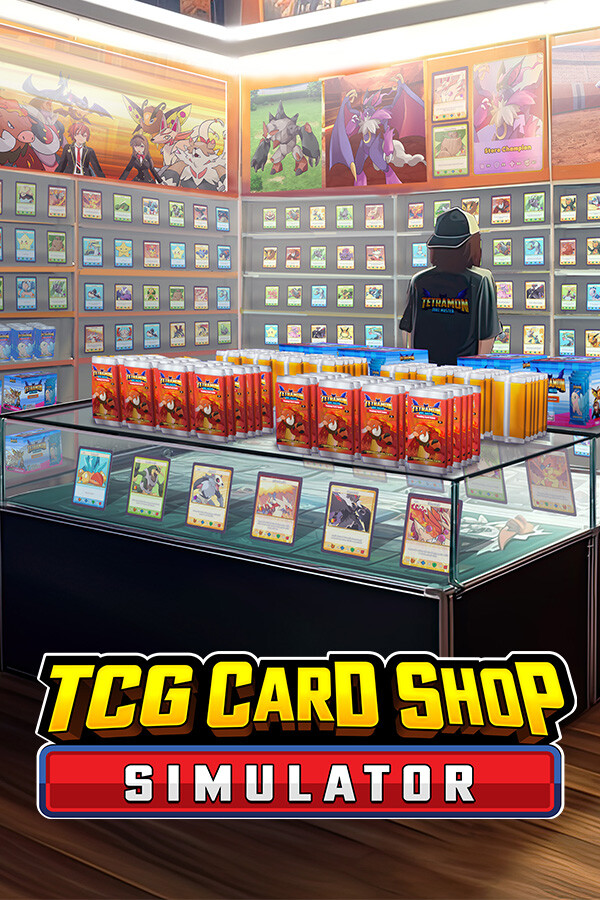
You still get the intro and you still name your shop — exactly as the base game plays it. The moment you confirm the name, every tutorial task is marked complete and the task cards are gone. No checklist in the corner, no "put an item on the shelf" while you already know how.
What it does
This is the part most tutorial skips get wrong. The mod doesn't hide the tutorial — it completes it, through the game's own task system, and that completion is saved to disk like any other progress.
Delete the DLL whenever you like. Your tutorial stays finished. It will not come back.
It gets out of the way
Requirements
BepInEx with Configuration Manager v5.4.23.6
Installation
Drop TutorialAutoComplete.dll into:
Configuration
A config file is generated at BepInEx\config\iiTzSamurai.TutorialAutoComplete.cfg after the first launch. One setting:
Your completion lands in the save on the next save the game makes. If you name your shop and immediately quit without saving, you'll just name it again next time.
Found a bug or an edge case? Leave a comment on the posts tab.
Skips the starting tutorial without skipping the parts you actually want.
You still get the intro and you still name your shop — exactly as the base game plays it. The moment you confirm the name, every tutorial task is marked complete and the task cards are gone. No checklist in the corner, no "put an item on the shelf" while you already know how.
What it does
- Once you name your shop the normal way, it finishes the tutorial for you
- Writes the completion into your save file — not a runtime override
- Works on saves that are already partway through the tutorial, not just new games
- Leaves the shop sign, first pack, and everything else behaving exactly as a legitimately finished tutorial does
This is the part most tutorial skips get wrong. The mod doesn't hide the tutorial — it completes it, through the game's own task system, and that completion is saved to disk like any other progress.
Delete the DLL whenever you like. Your tutorial stays finished. It will not come back.
It gets out of the way
- Once your finished tutorial has been written to a save, the mod goes dormant for that save and stops acting entirely
- If a save's tutorial is already complete — by this mod or by playing it through yourself — the mod touches nothing at all
- It re-arms when you start a new game or load a different save, so it's still there when you actually need it
Requirements
BepInEx with Configuration Manager v5.4.23.6
Installation
Drop TutorialAutoComplete.dll into:
TCG Card Shop Simulator\BepInEx\pluginsConfiguration
A config file is generated at BepInEx\config\iiTzSamurai.TutorialAutoComplete.cfg after the first launch. One setting:
- Enabled (default: true) — turn the mod off without uninstalling it
- No conflicts expected — it only patches tutorial code, and only until the tutorial is done
- Safe on existing saves
- Does not modify game files
Your completion lands in the save on the next save the game makes. If you name your shop and immediately quit without saving, you'll just name it again next time.
Found a bug or an edge case? Leave a comment on the posts tab.