Skyrim VFX Editor
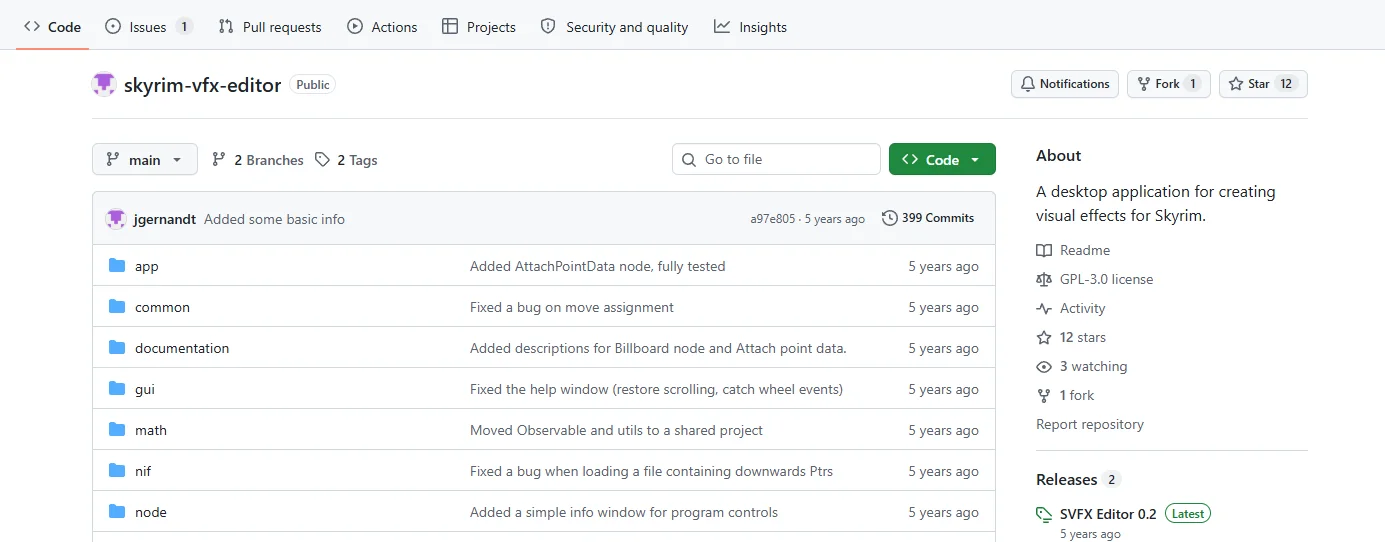
A desktop application for creating visual effects for Skyrim.
Aim
To provide a simple, convenient interface for creating and editing visual effects directly in the NetImmerse format.
Capabilities
Currently the only practical use of the program is the creation of particle systems with basic modifiers (simple force fields, colour, rotation, scale). If that's all you want, no other tools are needed. The program outputs fully functional nif files. Alternatively, you can load existing nif files and attach or edit particle systems. Some files may fail to load. Others may break. ALWAYS MAKE A BACKUP BEFORE EDITING A FILE.
Requirements
Windows Vista or later
Basic use
To install, extract the archive to any location on your computer. To uninstall, simply delete it.
To make a functional particle system (minimal example): Add a Particle system. Connect it (click and drag the little circles) to the Root (Children-Parent). Add an Effect Shader. Connect it to the Particle system (Targets-Shader). Add an Emitter (any type). Connect it to the Particle system (Target-Modifiers) and to the Root (Emitter object-References). In the Emitter, set any nonzero Birth rate, Life span and Size. Save the file and you will have a nif emitting plain white squares in game.
Refer to the Help menu (or "block types.txt") for an explanation of the blocks and their properties.
Install
Unzip it into its own folder anywhere (not inside the game's Data folder) and run it. If you use MO2, add it as an executable so it sees your load order.