




















































Modhold
Minecraft
Freev5.2.16+mc26.3

Bobby

Allows for render distances greater than the server's view-distance

Johni07024 @Johni0702Credited author
Sign in to download One-click install with the free Modhold app. Get the app
Share
X Facebook Reddit

Sign in to get 25 XP when someone opens your link.

0Unique downloads
22.2MDownloads, all sites
3Views
0Vouches
–no scores yetScore
Shared under its open licence (LGPL-3.0-only)
Made by Johni0702. Its licence lets anyone share it, with credit. See the proof · Original page · Are you Johni0702?
About this modWritten by Modhold staff

Bobby makes distant terrain visible past what the server sends. It saves chunks you receive and shows them again later when you are farther out than the server's view distance.

Kind
Rendering mod
Version
5.2.16+mc26.3
Needs
Nothing else
Installs with
The Modhold app

What it does

  • Stores received chunks under .minecraft/.bobby
  • Draws saved chunks outside the server's view distance
  • Can fill gaps from a single-player copy renamed bobby-fallback
  • Reloads its config automatically when it changes

How to install

  1. Press Install on this page, or in the Modhold app.
  2. Rename a world folder to bobby-fallback if you want the extra chunk source.
  3. Mod Menu and Cloth Config give an in-game settings page.
The author’s description by Johni0702, shared word for wordRead it

Bobby is a Minecraft mod which allows for render distances greater than the server's view-distance setting.

It accomplishes this goal by recording and storing (in .minecraft/.bobby) all chunks sent by the server which it then can load and display at a later point when the chunk is outside the server's view-distance.

Optionally, it can also use an existing single player world to load in chunks which the server has never sent before. To make use of this feature, simply rename the world folder (not the name of the world! the name of its folder!) to "bobby-fallback".

Bobby automatically reloads its config file when it is changed. For an in-game config screen, install ModMenu and ClothConfig.

Install

Put the .jar file in your Minecraft mods folder (with Fabric Loader installed for that Minecraft version), then start the game.
Requirements

  • Minecraft: Java Edition with Fabric

New to Minecraft mods? Read how to install Minecraft mods.

Credits

Johni0702 (Owner). Original page: https://modrinth.com/mod/bobby

Permissions

Open licence: LGPL-3.0-only. Source code: https://github.com/Johni0702/bobby. Original page: https://modrinth.com/mod/bobby. Shared on Modhold under that licence and credited to its authors; the files are unchanged.

Permission proof

Why this mod is on Modhold

The mod's original page, where it says what the mod is:

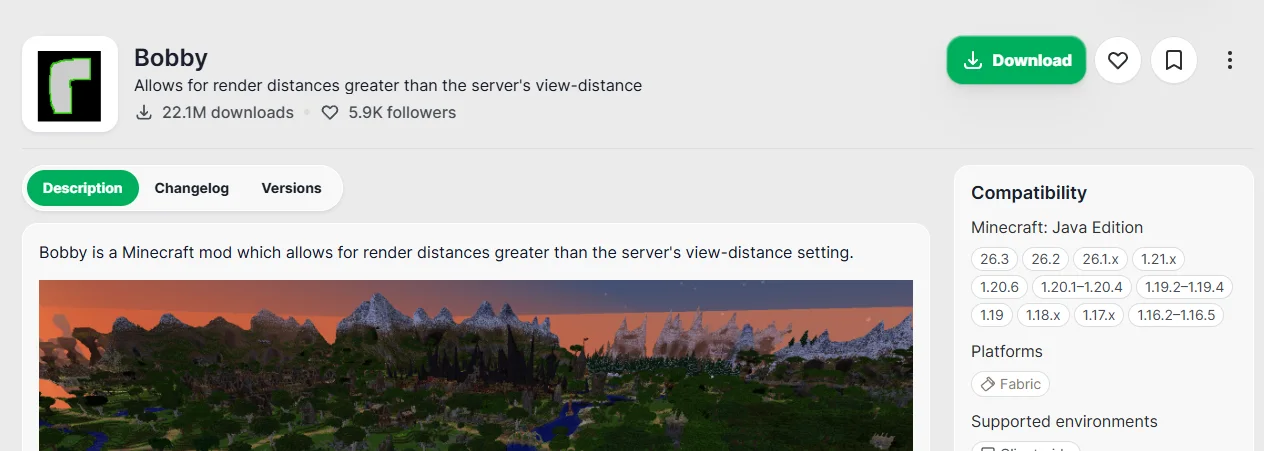
The top of the mod's original page: its name, author and details

This mod is released under an open licence, LGPL-3.0-only, which lets anyone share it as long as its authors are credited and the licence comes with it. Its source code: github.com/Johni0702/bobby · The licence

Captured 20 Nov 2026 from the original page. The author can claim this page, or have it taken down, at any time.