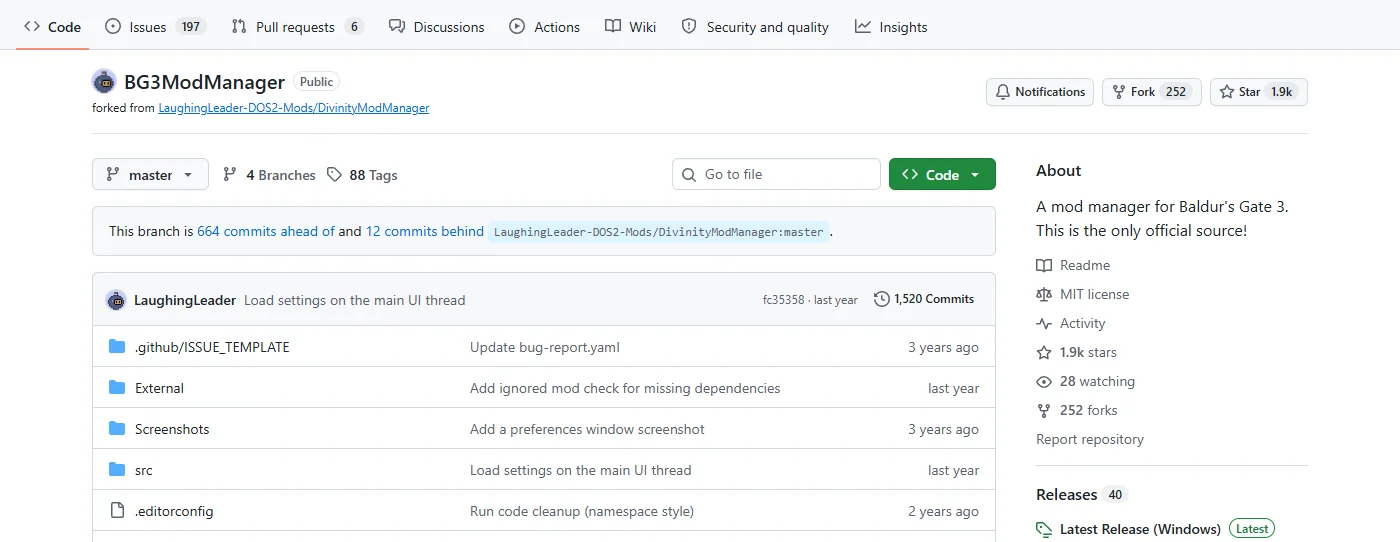
LaughingLeader's Baldur's Gate 3 Mod Manager
A mod manager for Baldur's Gate 3.
This is the only official source for the BG3 Mod Manager. There is no "official website" beyond this repository.
Setup
-
Run the game once if you haven't already, so a profile and the mods folders get created.
-
Make sure you have .NET 8.0 and the latest C++ redistributable installed.
-
The BG3 Mod Manager is portable, so extract it to a non-protected folder (don't extract it to your Program Files).
-
Upon running
BG3ModManager.exe, pathways to the game data and exe should be automatically detected.
If this fails, manually set the pathways in Settings -> Preferences, click 'Save', then click the 'Refresh' button so the campaign mod data is loaded. -
Organize your active mods for the profile
Public, then click the first export button (Export Load Order to Game), or click File -> Export Order to Game, to export your active load order to the game. This updates themodsettings.lsxfile that the game reads.
Important Tips
- Make sure you don't have any subfolders in your mods folder (
%LOCALAPPDATA%\Larian Studios\Baldur's Gate 3\Mods). This causes the game to reset yourmodsettings.lsx! - Ensure the
Game Data Pathis set in Settings -> Preferences to the game's data folder, where all the various .pak files are (Gustav.pak etc). - Make sure you have a campaign selected (i.e. "Main"). The game must have a campaign exported to the
modsettings.lsx, or it will fail to load the main menu scene / have other issues. - If your
modsettings.lsxstill resets when loading into the game, this means that one or more of your mods are encountering an error, and the game is clearing the load order.
Current Features:
- Reorganize mod load orders with a quick drag-and-drop interface. Allows reordering multiple mods at once.
- View details about each mod, including the description and dependencies.
- Save your mod load orders to external json files for sharing or backing things up.
- Export your active mod order to various text formats (i.e. a spreadsheet). These formats will include extra data, such as the mod's steam workshop url, if any.
- Filter mods by name and properties (author, mode, etc.).
- Export load order mods to zip files (including editor mods), for easier sharing of a playthrough's mods between friends.
- Import load orders from save files.
- Shortcut buttons to all the various game-related folders (mods folder, workshop folder, game directory, etc).
- Dark and light theme support.
Features for Mod Authors
- Extract selected mods with a few clicks. Useful for mod authors, or those wanting to study mod files for learning.
- Copy a mod's UUID or FolderName in the right click menu. Useful for if you're setting up Ext.IsModLoaded checks with the script extender, for mod support.
- You can specify custom tags in your project's meta.lsx (the "Tags" property"). Seperate tags with a semi-colon, and the mod manager will display them.
- A "Version Generator" tool is available under the Tools menu, for generating the correct number for major/minor/revision/build numbers.
Notes
- Mod projects in the Data folder are highlighted in green. They can be used in the load order like regular mods, and even exported to zip files.
- New profiles must be made in-game. You should also run the game at least once, so all of the game's user folders are created.
- Highlight over mods to see their description and list of dependencies. Red dependencies are missing dependencies.
Links
Support
If you're feeling generous, an easy way to show support is by tipping me a coffee:
All coffee goes toward fueling future and current development efforts. Thanks!
Building From Source
External Libraries
Credits
- Thanks to Norbyte for creating LSLib, which allows various features of the manager (getting data from paks, reading lsb files, just to name a few).
- Baldur's Gate 3, a wonderful game from Larian Studios
Install
Unzip it anywhere you like and run BG3ModManager.exe.
Licence
This mod is shared here under its authors' MIT licence. Its full text:
MIT License

Copyright (c) 2019 LaughingLeader

Permission is hereby granted, free of charge, to any person obtaining a copy
of this software and associated documentation files (the "Software"), to deal
in the Software without restriction, including without limitation the rights
to use, copy, modify, merge, publish, distribute, sublicense, and/or sell
copies of the Software, and to permit persons to whom the Software is
furnished to do so, subject to the following conditions:

The above copyright notice and this permission notice shall be included in all
copies or substantial portions of the Software.

THE SOFTWARE IS PROVIDED "AS IS", WITHOUT WARRANTY OF ANY KIND, EXPRESS OR
IMPLIED, INCLUDING BUT NOT LIMITED TO THE WARRANTIES OF MERCHANTABILITY,
FITNESS FOR A PARTICULAR PURPOSE AND NONINFRINGEMENT. IN NO EVENT SHALL THE
AUTHORS OR COPYRIGHT HOLDERS BE LIABLE FOR ANY CLAIM, DAMAGES OR OTHER
LIABILITY, WHETHER IN AN ACTION OF CONTRACT, TORT OR OTHERWISE, ARISING FROM,
OUT OF OR IN CONNECTION WITH THE SOFTWARE OR THE USE OR OTHER DEALINGS IN THE
SOFTWARE.